
AI-Powered Design: How We Compress Weeks Into Days

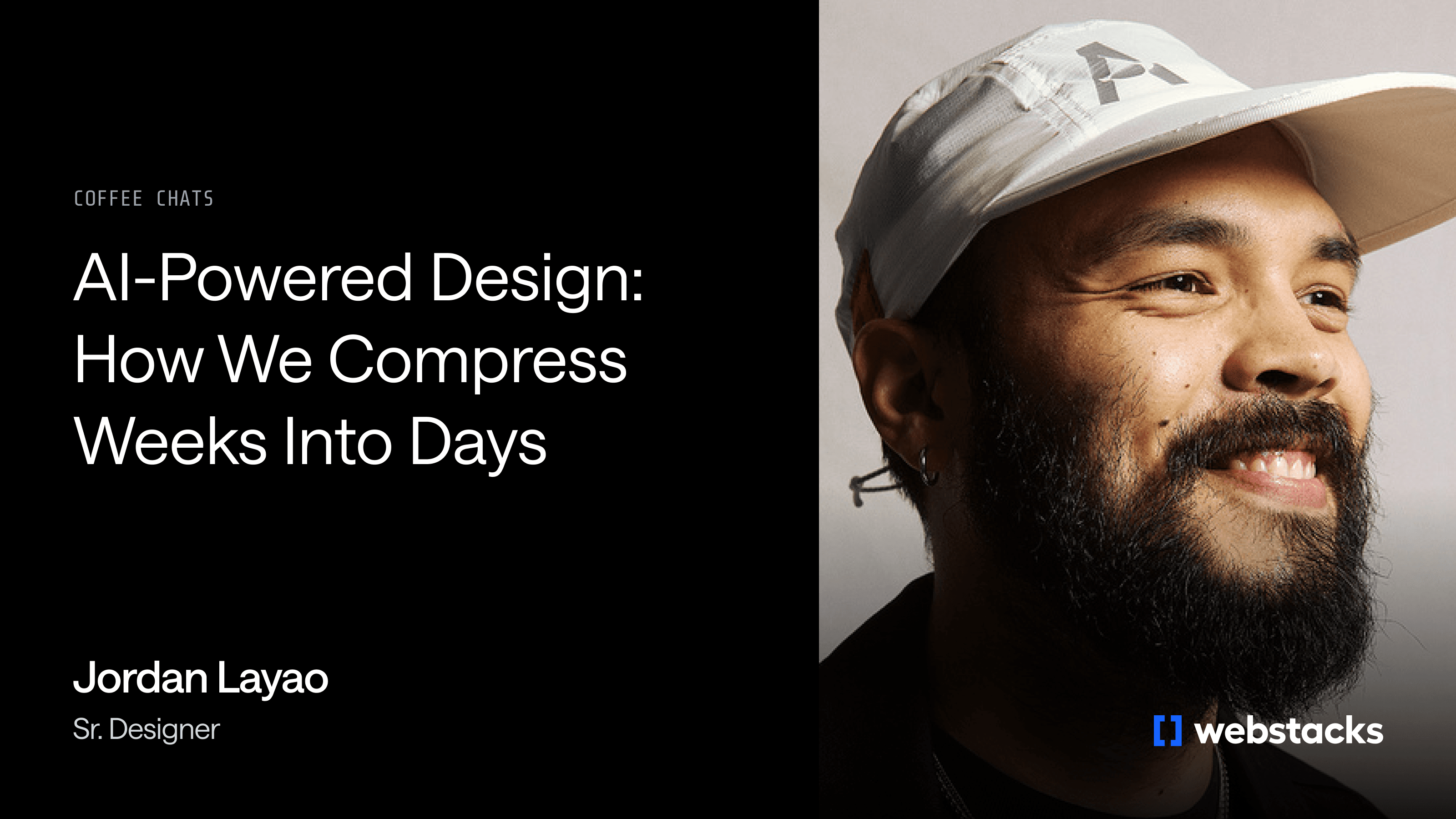
Design timelines are compressing across B2B tech. What used to take months now needs to happen in weeks. What used to take weeks now needs to happen in days.
The question isn't whether AI will change design workflows. It's whether your team is using these tools strategically or leaving speed on the table.
I recently sat down with Jordan Layao, Digital Designer at Webstacks, to discuss how AI tools are reshaping the creative process itself. Jordan has refined an AI-assisted workflow through projects for companies like Turing and Knapsack, developing a practical perspective on where AI accelerates the work and where human judgment remains irreplaceable.
Whether you're a VP of Marketing facing an aggressive launch timeline or a web strategist trying to increase iteration velocity, this conversation reveals what's actually changing in design and what remains timeless.
The Core Shift: Compressing the Iteration Cycle
The fundamental value of AI in design isn't automation. It's compression. Tasks that previously required sequential handoffs and waiting periods now happen in parallel, often within hours.
"When I ideate artwork for illustrations, one thing that really helps me is using Midjourney to quickly iterate different scenes and combine ideas," Jordan said. "Using modern AI image generation tools, I am able to come up with hundreds of different scenes in a span of a day. Playground AI's free tier alone allows up to 500 image generations per day."
Compare this to traditional illustration workflows. A designer sketches a concept, shares it with an illustrator, receives a deliverable, provides feedback, and waits for revisions. That cycle can span two to three weeks for a single illustration direction. With AI tools, that same exploration happens in hours.
The impact compounds across multiple stages of a project. Concepting accelerates. Revision cycles shrink. Client feedback loops tighten. A project that might have required three months under traditional workflows can now ship in weeks without sacrificing quality.
Tools That Enable the Workflow
Jordan notes that, especially in fast-paced industries where clients may want same-day turnaround on small changes, AI has been a great enabler. "Put it in an AI [tool], and get that change done. It's so immediate," Jordan said. "Little things like that help out so much."
Jordan's toolkit centers on a few AI platforms, each serving a specific function in the design process.
- Midjourney handles visual exploration and illustration generation. The tool excels at producing diverse visual directions quickly, allowing designers to present a range of options rather than committing early to a single concept.
- Visual Electric wraps similar capabilities in a canvas-based interface familiar to Figma users. This makes the AI generation process more intuitive for designers accustomed to working spatially, reducing the friction between ideation and implementation.
- ChatGPT supports information architecture decisions. When a component needs to communicate multiple features with complex interactions, Jordan uses AI to suggest organizational approaches and validate structural decisions.
The practical impact extends to revision requests. When a client requested a color change on a hero illustration (changing a blue backpack to red), what might have required Photoshop expertise or outsourcing became a simple prompt adjustment with same-day delivery.
Homepage Reskins Under Compressed Timelines
The value of AI-assisted design becomes concrete when timelines get aggressive. Jordan walked through a recent project for Turing that demonstrates the workflow in action.
- The scope: a complete homepage reskin.
- The timeline: a single two-week sprint from kickoff to delivery.
Traditional design processes would struggle under this constraint. Discovery alone could take a week, visual exploration another, and revisions would easily push the work past the deadline.
Jordan's AI-assisted approach compressed these phases. He collaborated with a Webstacks strategist to establish information architecture before any visual work began. This strategic foundation proved critical for maintaining quality under time pressure. Then, the real magic happened.
"I used ChatGPT to come up with some illustration ideas," Jordan explained. "I did a first draft within a day."
The AI-assisted workflow enabled rapid iteration through multiple visual directions. Jordan generated concepts, refined them based on strategic inputs, and arrived at a direction the client approved without the typical multi-week revision cycles.
It's a clear example of how AI can compress timelines without sacrificing quality.
Where Human Judgment Remains Critical
While AI accelerates visual exploration, Jordan identified information architecture as an area where human judgment remains critical, and where AI serves as an assistant rather than a replacement.
"One thing that was very useful was asking AI to give me advice on how to structure information," Jordan said. "[I would instruct it] 'I have this component, here's what the client wants, give me some suggestions on how to organize that information.'"
Some AI client projects require single components to communicate multiple features with complex dropdown menus, nested bullet points, and multiple calls to action. Organizing this information hierarchy in a way that serves both scanners and deep readers requires strategic thinking that AI can support but not replace.
Jordan describes his use of AI for information architecture as having a "design assistant" that can suggest organizational approaches and provide sources to back up recommendations. This collaboration between human taste and AI capability enables faster decision-making without sacrificing quality.
Taste as the True Differentiator in AI-Powered Design
When AI can generate competent visual output, what separates good design from great design?
Jordan's answer: taste.
"One of the things that's going to be so important in the future is to really work on taste because AI is just going to get better," Jordan said. "The barrier to do things that used to require incredible skill is slowly getting easier. But it's the people who still really care about craft, who really care about taste, that are going to use AI to make their designs exponentially unique."
Jordan drew an analogy to music production. When you listen to certain producers who have invested years perfecting their craft, you can feel the care and intentionality in the work, even if you can't articulate exactly what makes it distinctive. AI can mimic these qualities, but it can't originate them.
"The mixture of a human who deeply cares while using AI to build that, I think that is going to be huge," Jordan said.
The implication for teams is clear. AI tools democratize execution but not vision. Companies that rely entirely on AI-generated output risk producing what Jordan memorably described as "white bread and mayonnaise, no meat, no soul."
The Pitfall of Over-Automation
As AI becomes easier to deploy, the bigger risk isn't misuse—it's overreliance.
"If you fully rely on AI to execute whatever it is you're doing, I think that is inherently a problem," Jordan said. Teams that don't filter AI results with human judgment create issues down the road.
The risk isn't that AI-generated work will be obviously bad. It's that it will be generically acceptable, indistinguishable from what every other AI-equipped team is producing. In markets where differentiation matters, generic execution defeats the purpose.
Jordan emphasizes the importance of human editorial control, arguing that AI should expand creative exploration without ever replacing judgment or intent.
When AI-Assisted Design Makes Sense
Not every project requires or benefits from heavy AI integration. Jordan offered guidance on when the approach fits best.
"If you're in the tech sector and your main stakeholders are in AI, or you're working for an agency that does B2B sites, for sure, if you're not using AI at this point, you're falling behind. 81% of sales teams are already actively investing in AI, and those that do are seeing real results: 83% of AI-adopting teams reported revenue growth compared to just 66% of non-adopters," Jordan said. "But there are certain companies where it doesn't make sense, or certain teams where the way they function, it doesn't make sense."
The factors that make AI-assisted workflows effective:
- Compressed timelines. When projects need to ship in weeks rather than months, AI compression becomes essential rather than optional. AI companies exemplify this pressure (their competitive landscape shifts monthly), but any team facing aggressive deadlines can benefit.
- Clients comfortable with rapid iteration. AI-assisted workflows produce options quickly. Stakeholders need to be ready to evaluate and decide at the same pace.
- Visual exploration requirements. Projects that benefit from seeing many directions before committing gain the most from AI's generative capabilities.
- Teams with strong editorial judgment. AI outputs require curation. Teams without clear aesthetic standards or decision-making frameworks may find AI creates more noise than signal.
Projects with extensive approval hierarchies or conservative brand guidelines may benefit less from the speed gains AI enables. The tool works best when the surrounding process can absorb the acceleration.
What This Means for Web Leaders
For VPs of Marketing and web strategists evaluating how AI fits into their design processes, Jordan's experience suggests several practical takeaways.
- Rethink what's possible in your timelines. Traditional design schedules build in handoff delays and revision cycles that AI compresses. A two-week homepage reskin isn't reckless. It's achievable with the right workflow.
- Invest in human taste and strategic thinking. AI tools accelerate execution but don't replace the need for clear information architecture, intentional brand positioning, and coherent user experience. The teams that excel will combine AI capabilities with strong human judgment.
- Evaluate partners on workflow, not just portfolio. Whether internal or agency, your design team's processes determine how much value they extract from AI tools. Ask how they use AI, where they apply human judgment, and how they handle compressed timelines.
- Start with exploration, not execution. AI's greatest value comes early in the process, generating options and compressing the iteration cycle. Teams that use AI only for final production miss the larger opportunity.
"This is the first time we're ever experiencing this moment," Jordan reflected. That rapid pace of change has now arrived: 86% of global creators actively use generative AI in their workflows, and according to Adobe's 2025 Creators' Toolkit Report, 81% say it lets them create content that was previously impossible. "As a designer, that's really interesting and really fun."
Ready to compress your design timelines without sacrificing quality? Talk to Webstacks.

Your website is your biggest growth lever—are you getting the most out of it? Schedule a strategy call with Webstacks to uncover conversion roadblocks, explore high-impact improvements, and see how our team can help you accelerate growth.


