
Web Accessibility Strategy for B2B Marketing Websites

- Treating web accessibility as mere compliance hinders user experience and search performance, costing teams in the long
- A phased approach aids in tackling accessibility issues, showing measurable progress while integrating fixes throughout
- Accessibility improvements benefit all users, enhancing site readability, AI indexing, and overall user engagement, not
Most B2B marketing teams delay addressing web accessibility until legal warnings or audits force action, treating it as a low-priority backlog item. This accumulation of accessibility debt actively degrades search performance, conversion rates, and user experience, whereas remediation improves readability for search engines, AI systems, and all users. Read more at the original publication.
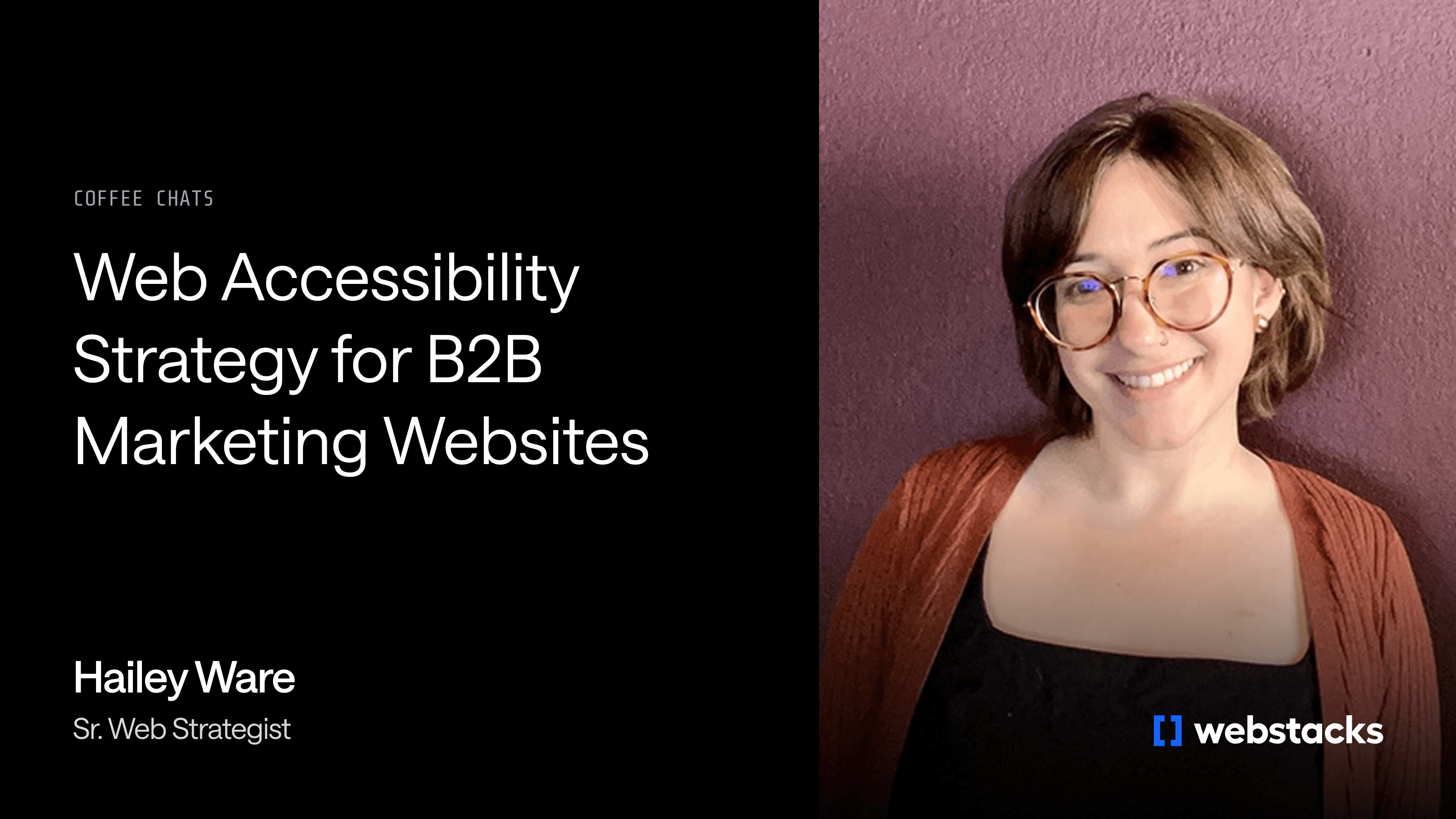
Hailey Ware, Sr. Web Strategist at Webstacks, has spent nearly a decade in agency environments working on accessibility audits and implementations across B2B and consumer sites. In a recent conversation about web accessibility strategy, Hailey laid out how the discipline actually works, what B2B teams consistently misunderstand and what phased improvement looks like when it's executed well.
Compliance Is the Floor, Not the Ceiling
Web Content Accessibility Guidelines (WCAG) set the legal framework for web accessibility. The guidelines are organized into three tiers.
- Level A covers baseline requirements like readable text
- Level AA addresses the majority of accessibility needs for most audiences
- Level AAA represents the highest standard, covering detailed requirements for keyboard navigation and assistive technology support
Most organizations target Level AA as their compliance benchmark.
Most B2B teams know this framework exists. Fewer understand what it actually means to meet it, or why compliance alone is the wrong goal.
"At its core, accessibility isn't just about compliance," Hailey said. "Accessibility is actually about compassion. Web accessibility is about being compassionate to all users, not just differently abled users, but just anybody using the web."
That reframe matters practically, not just philosophically. A compliance-first mindset treats accessibility as a checklist to clear and forget. A compassion-first mindset treats it as an ongoing design standard that produces better experiences for every user. That includes the commuter who forgot their headphones, the parent trying to browse while a baby sleeps and the professional using only a keyboard because their dominant arm is in a cast. Designing for edge cases, it turns out, produces better design for everyone.
The B2B Misunderstanding
The most persistent misconception Hailey encounters in B2B contexts is that accessibility improvements only benefit users with disabilities. That belief leads teams to deprioritize the work, framing it as a niche investment with limited return. The actual relationship is the opposite.
"A lot of times people think the pieces that we improve upon for accessibility are just for that disabled user," Hailey said. "It's actually not."
Alt text is the clearest example. Its primary purpose is to describe images for users relying on screen readers. But the same text is read by search engine crawlers and AI systems indexing the web. "Not only are screen readers for people with lower vision using that alt text, but robots, bots, SEO, AEO — they're also reading that text," Hailey explained. A product image without alt text isn't just inaccessible to a visually impaired user. It's invisible to the systems that determine whether your site surfaces in search results or AI-generated answers.
The same pattern holds across most accessibility improvements. Descriptive button text reduces confusion for keyboard-only users and also clarifies the user journey for every visitor, which tends to reduce drop-off and improve conversions. Clear form labels help screen reader users understand what they're completing and help any user who has ever abandoned a form because the fields were ambiguous. These aren't trade-offs between accessibility and performance. They're the same fix applied once.
For B2B sites specifically, the stakes around descriptive content are higher than they might appear. B2B products are often complex, relying on imagery, diagrams and animations to communicate how a system or service works. If those visuals don't carry contextual alt text that explains not just what they depict but why they appear on the page, you're missing a chance to reinforce your product narrative. That gap affects both human users and the machines summarizing and indexing your site.
What Neglect Actually Looks Like
Accessibility issues don't announce themselves. They accumulate quietly, often because teams that care about the initial build don't develop habits that carry through to ongoing content additions.
"Three years old is an old site right now," Hailey said. "That's how fast we're moving in web development, web strategy and web design."
The issues Hailey encounters most frequently in B2B audits cluster in a few categories:
- Missing alt text. The most common finding, particularly on sites with large product libraries where imagery was added quickly and descriptions were never prioritized.
- Auto-starting videos. Content that plays immediately and can't be paused creates friction for any user who didn't choose to watch, not just those with motion-related disabilities.
- Zoom and scaling restrictions. Less common on newer sites, but still a regular finding on sites built two to three years ago before responsiveness became standard practice.
- Vague button labels. Defaults like "Get Started" or "Learn More" fail both accessibility standards and basic user experience requirements.
None of these are obscure edge cases. They show up consistently across B2B sites of every size.
When the Audit Gets Uncomfortable
Hailey runs audits using tools like Siteblb and WAVE, which score sites on overall accessibility and categorize issues as critical, high, medium or low. Critical issues are typically problems that appear across many pages simultaneously, not isolated errors on a single screen.
A zoom restriction, for example, might be one line of code. But if that line applies sitewide, it surfaces as an error on every page the audit crawls. A site with 345 pages all blocking zoom functionality will show 345 instances of the same error, even if a single development fix resolves all of them. The score reflects the spread, which is why audit results often look worse than teams expect.
Alt text gaps compound differently. Unlike a code-level fix that resolves hundreds of pages at once, alt text must be added image by image. On a site where product imagery was uploaded across a hundred pages without descriptions, that's a content-level project, not a development task. It gets harder to address the longer it's deferred.
Small Oversights, Compounding Costs
Accessibility debt produces a cascading effect that extends well beyond accessibility scores. When images aren't optimized and described, they slow page load times and send negative signals to search engines. When button text is vague, users lose confidence in where they're headed and abandon flows. When forms lack labels, completion rates drop.
"It's like a domino effect," Hailey said. "As you start forgetting to put alt text, those images are being noted as not accessible, not clear. And Google's going to hit you a couple points off because you're not being very descriptive of your site, so they're not going to put you on the first page of search results."
The same logic applies to AI-driven discovery. Search engines and large language models that crawl the web to generate answers increasingly favor content that is clear, structured and legible at the element level. A site with missing alt text, ambiguous button labels and unlabeled form fields is harder for those systems to interpret accurately, which affects visibility in AI-generated summaries and answer engine results, not just traditional rankings.
The Content Handoff Problem
One of the more predictable sources of accessibility debt in B2B organizations is the content handoff. That's the moment a new marketing team member joins, inherits a site and starts adding pages, images and CTAs without knowing the accessibility standards the original build was designed to meet. No one reminds them to add alt text. No one explains the button labeling philosophy. The standards that were built in at launch quietly erode with every new addition.
This is why governance matters as much as implementation. A site that launches in good shape can accumulate critical issues within months if the team responsible for ongoing content doesn't know what to maintain. Quarterly audits using tools like Siteblb or SEMrush's accessibility checker are enough to catch drift before it compounds into a large-scale remediation project.
The Case for a Phased Approach
The traditional web project model, in which everything is addressed before launch and results are delivered at the end, doesn't fit accessibility well. Sites are too complex and issues are too varied in severity. The feedback loop between changes and measurable score improvements is too valuable to defer until the project closes.
A phased approach addresses the highest-impact issues first, reruns the audit to demonstrate progress and uses those results to inform the next phase. It's a faster path to meaningful improvement, and it gives stakeholders evidence of momentum before the full project is complete.
"We no longer have to have this long wait time to see results," Hailey said. "Alt text can be done by a content specialist while a developer works on a very specific accessibility edit somewhere in the code. So we fix the critical items first, retest and show that the score is moving."
What Phased Improvement Looks Like in Practice
Hailey recently led an accessibility engagement for a global consumer brand whose site was failing compliance standards, a situation that had drawn attention from the company's legal team. The audit returned an initial score of 57 out of 100. Four critical issues were identified across the site:
- Zoom and scaling restrictions applied sitewide
- Missing alt text on product imagery across more than 100 pages
- Buttons without discernible text
- Form fields without clear labels.
The team prioritized those four issues before touching anything else. The midpoint target was a score in the range of 70 to 75. The actual result, after addressing only the critical items, was 80.
"I felt really great to be able to show that success in the middle of the project versus having to wait until the end," Hailey said. With critical fixes complete, the team moved into medium and lower-severity items, projecting a final score in the 90 to 95 range. Hailey was clear about why the ceiling exists: "I never say 100. You're never going to hear me say I'll get your site to 100. Someone's going to add a photo that doesn't have alt text. It happens every time."
That honesty is part of the value of the phased model. Rather than setting expectations around a finish line that doesn't exist, it treats accessibility as an ongoing discipline with measurable checkpoints along the way. The goal isn't a perfect score. It's continuous, documented improvement.
Accessibility Belongs at the Wireframe, Not the QA Handoff
One of the most costly misconceptions about accessibility is that it's a final-stage quality check: something addressed after design is complete and development is underway. By that point, decisions that affect compliance have already been signed off and handed to build. Those include low-contrast text on a busy background, text placed over images without sufficient contrast treatment, or carousel navigation elements positioned on opposite sides of the screen.
Catching those decisions at wireframing costs nothing. Catching them post-build means rework.
"I'm really trying to think about it all the way at the wireframing stage," Hailey said. "A very specific example: if you've got a carousel with left and right arrows, those need to be together, not on opposite sides of the page. That's actually an accessibility requirement. So I'm able to catch that in wireframing. Then in design, we're catching contrast issues. And then in QA of development, we're getting into the back-end labels and responsiveness."
Everyone Has a Role
Accessibility isn't a single team's responsibility, and treating it that way is one of the reasons it gets deprioritized. Designers are responsible for contrast, image treatment and component layout. Content specialists are responsible for alt text, button copy and form labels. Developers are responsible for the back-end implementation that governs keyboard navigation, zoom functionality and assistive technology support. Waiting to address it at the development phase means that design and content decisions have already created constraints that are harder to unwind.
"If we want to build compassionate websites and compassionate web experiences, it's everyone's responsibility to at least learn and understand a little bit about accessibility and how their role plays a part in it," Hailey said.
This framing has real implications for how teams are trained and how projects are scoped. Accessibility can't be a line item assigned to one specialist. It has to be a shared standard that every contributor understands well enough to apply to their own work.
Where B2B Teams Should Start
Teams that want to address accessibility but don't know where to begin tend to make one of two mistakes: they start making changes without running an audit first, or they run an audit, get overwhelmed by the volume of issues and don't act on any of them. The right sequence starts with understanding before action.
- Run a baseline audit. Use tools like Siteblb, WAVE or SEMrush's accessibility checker to establish a score and a categorized list of issues. This tells you what you're dealing with before anything is touched.
- Address critical issues first. Critical items typically affect the entire site and produce the largest score gains when resolved. Alt text almost always lands here and can be handled by a content specialist in parallel with back-end development work.
- Bring in developers for structural fixes. Keyboard navigation, zoom and scaling functionality, and the back-end implementation of form labels and button attributes require technical resources. A single fix at this level can resolve errors across hundreds of pages simultaneously.
- Build a maintenance checklist. For the global consumer brand engagement, Hailey's team didn't just fix the existing issues. They delivered a documented checklist the client's team could apply every time a new product, page or form was added, designed to prevent the same debt from accumulating once the engagement ended.
"The earlier, the better," Hailey said. "Try not to wait to the last minute to think about accessibility, because everyone has a part."
Accessibility Is a Growth Discipline
Web accessibility is not a compliance project that runs parallel to your marketing strategy. Done consistently, it produces measurable improvements in search visibility, AI discoverability, user trust and conversion rates. Teams that treat it as a continuous responsibility rather than a periodic fix will find the compounding benefits work in their favor. The same is true in reverse: neglect compounds against teams that defer the work.
Webstacks builds accessibility considerations into every phase of a project, from wireframing through launch and ongoing site management. If your site is carrying accessibility debt, or if you're not sure where it stands, talk to Webstacks.


