
The 13 Best Enterprise CMS Platforms for 2026

Most enterprise CMS decisions go wrong before a single platform gets shortlisted. Teams start from a list of vendors instead of a list of requirements, then anchor on whichever name surfaces most often in analyst reports. The result is a platform that demos well and fits poorly, discovered only after migration, when editors fight the interface and developers work around the architecture.
The right enterprise CMS is the one that matches how your team builds, governs and ships content, not the one with the longest feature list. A platform that fits a media company drowning in digital assets will frustrate a B2B SaaS team that needs marketers to launch campaign pages without engineering. Choosing well starts with knowing which tradeoffs matter for your organization, then mapping platforms against them.
This guide draws on enterprise CMS implementations Webstacks has delivered for high-growth companies, including HubSpot, Freshworks and Snowflake. It covers what separates an enterprise CMS from a standard one, the criteria that should drive the decision, 13 platforms worth evaluating in 2026 and a decision matrix that maps each platform to the buyer it fits best.
What Is an Enterprise CMS?
An enterprise content management system is a platform built to manage content at the scale, security level and complexity that large organizations require. Standard content management systems target single websites and small teams. An enterprise CMS supports many sites, many contributors, many languages and integration with the broader business systems that surround content.
The category has shifted heading into 2026. Composable architectures, AI-assisted content workflows and headless-first platforms are now the default expectation for large organizations rather than the exception.
Headless architecture adoption has climbed to 73% among enterprise decision makers, and Gartner projects that 40% of enterprise applications will feature task-specific AI agents by 2026, up from less than 5% in 2025. CMS platforms sit squarely inside that shift.
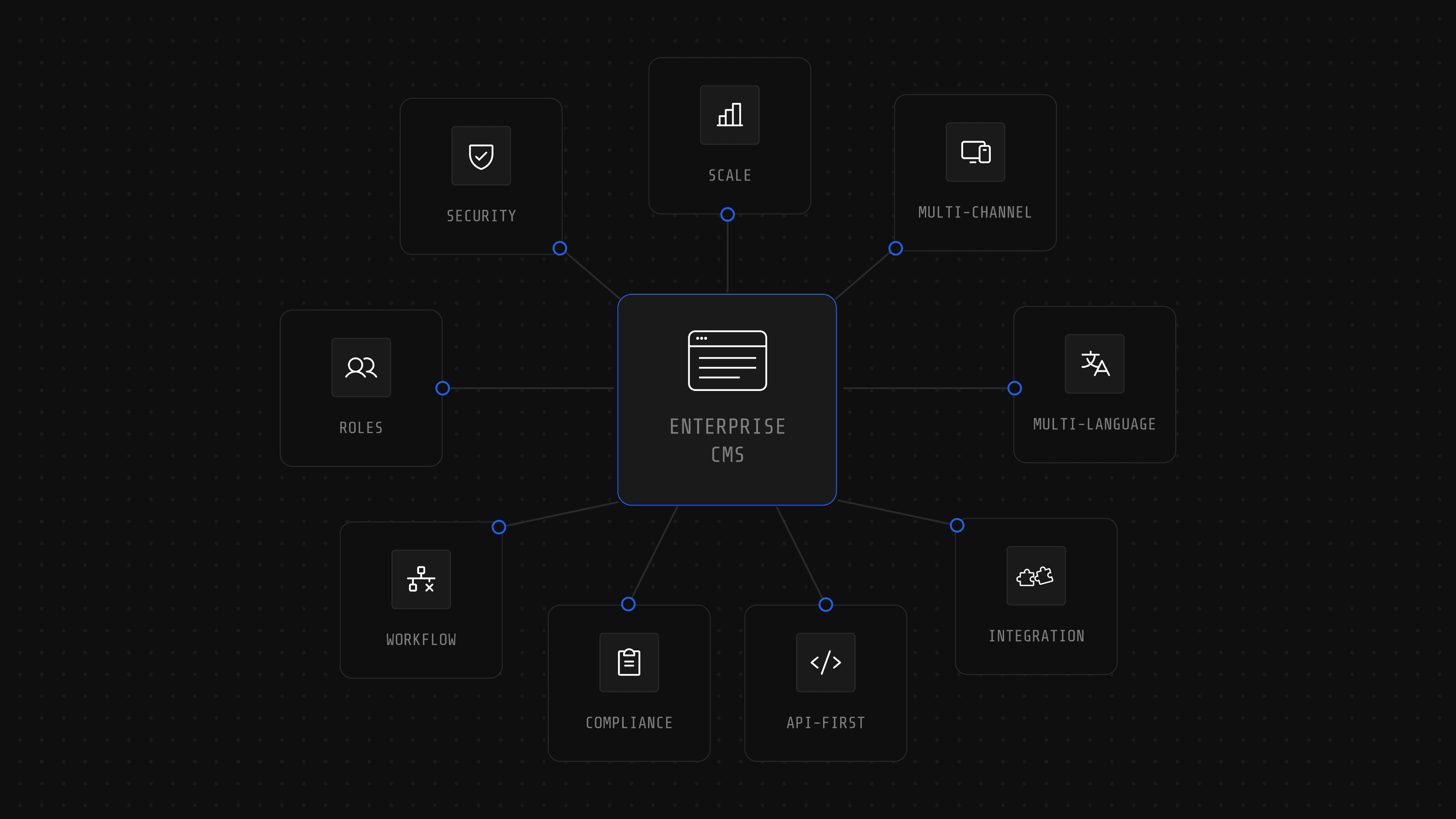
Several capabilities separate an enterprise CMS from a standard one:
- Scale: Handles high traffic and large content volumes without degrading performance.
- Security: Provides advanced protections, access controls and data safeguards for sensitive content.
- Multi-channel delivery: Publishes consistent content across websites, apps and connected devices.
- Multi-language support: Serves global audiences with localization and translation workflows.
- Integration depth: Connects to CRM, ERP, analytics and automation systems for unified operations.
- API-first architecture: Decouples content from presentation, the foundation of any headless CMS.
- Compliance features: Supports retention, versioning and regulatory requirements across regions.
- Workflow and collaboration: Manages creation, approval and publishing across distributed teams.
- Role and access management: Controls who can view, edit and publish at a granular level.
These capabilities exist to solve a single problem: keeping content accurate, on-brand and fast to ship as the organization grows. The platforms below approach that problem from different architectural starting points, which is why the right choice depends on your requirements rather than a universal ranking.
What to Evaluate Before Choosing
The strongest enterprise CMS decisions weigh a consistent set of criteria rather than reacting to whichever feature demos best. Each criterion below cuts the field in a specific way, and getting one wrong tends to surface months after launch when switching costs are high.
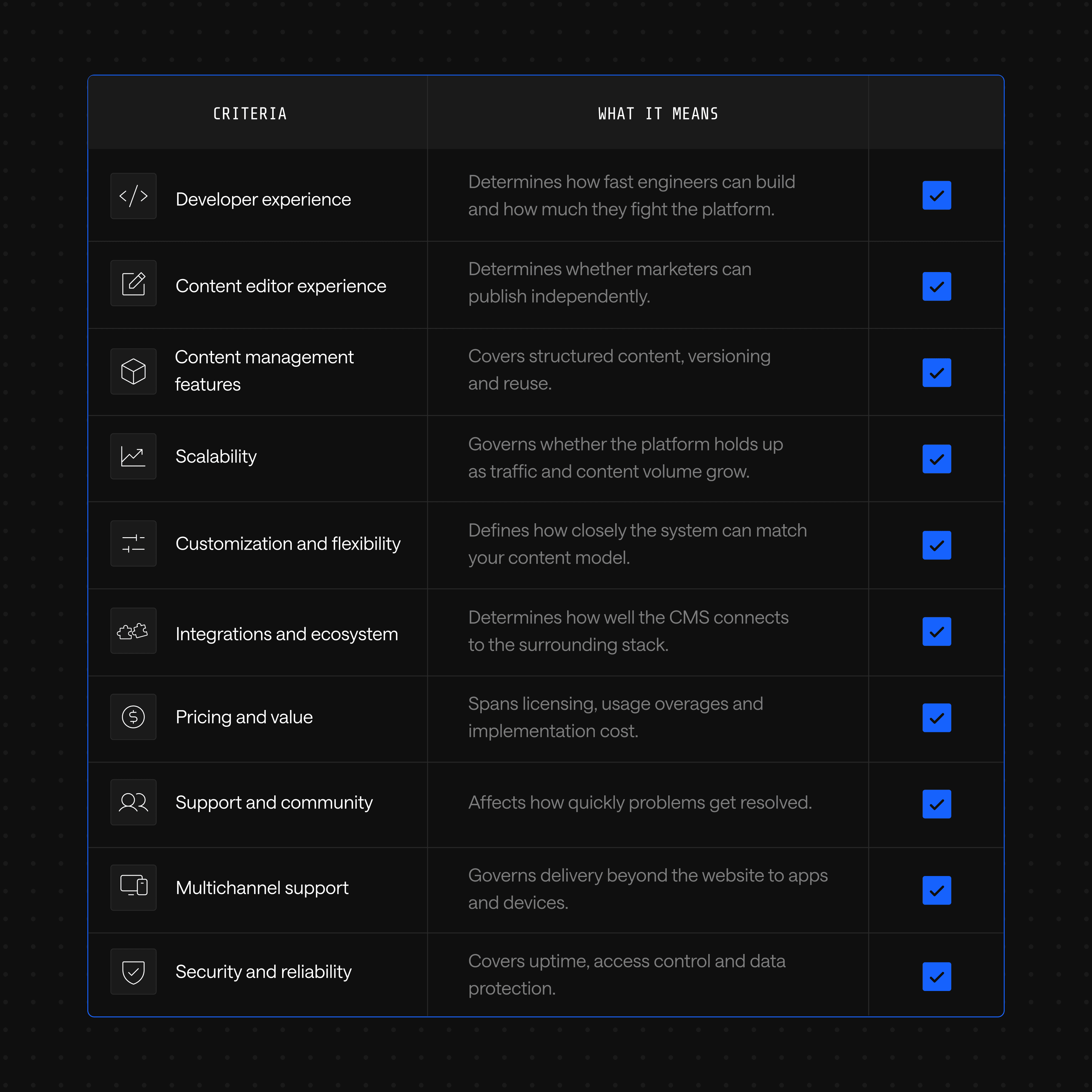
- Developer experience: Determines how fast engineers can build and how much they fight the platform. Weak developer experience slows every future release, not just the initial build.
- Content editor experience: Determines whether marketers can publish independently. A platform that requires developer help for routine edits recreates the bottleneck the migration was meant to remove.
- Content management features: Covers structured content, versioning and reuse. Thin modeling forces teams to duplicate content, which breaks consistency at scale.
- Scalability: Governs whether the platform holds up as traffic and content volume grow. A platform that strains at current volume becomes a liability the moment a campaign succeeds.
- Customization and flexibility: Defines how closely the system can match your content model. Rigid platforms force teams to bend their process to the tool.
- Integrations and ecosystem: Determines how well the CMS connects to the surrounding stack. Poor integration turns the CMS into an island that data has to be moved into and out of manually.
- Support and community: Affects how quickly problems get resolved. Limited support extends every incident and every onboarding.
- Multichannel support: Governs delivery beyond the website to apps and devices. A web-only platform caps what the content can become later.
- Security and reliability: Covers uptime, access control and data protection. For regulated industries, a gap here is disqualifying regardless of other strengths.
No platform leads on all ten. The work is deciding which criteria are non-negotiable for your organization, then accepting tradeoffs on the rest. The platforms below are organized so the strongest general-purpose options come first, followed by platforms that win in specific contexts.
The 13 Best Enterprise CMS Platforms for 2026
The list below reflects platforms Webstacks evaluates and implements for enterprise clients. Each entry covers architecture, strengths, best-fit buyer and tradeoffs, so the comparison stays consistent from one platform to the next.
1. Contentful
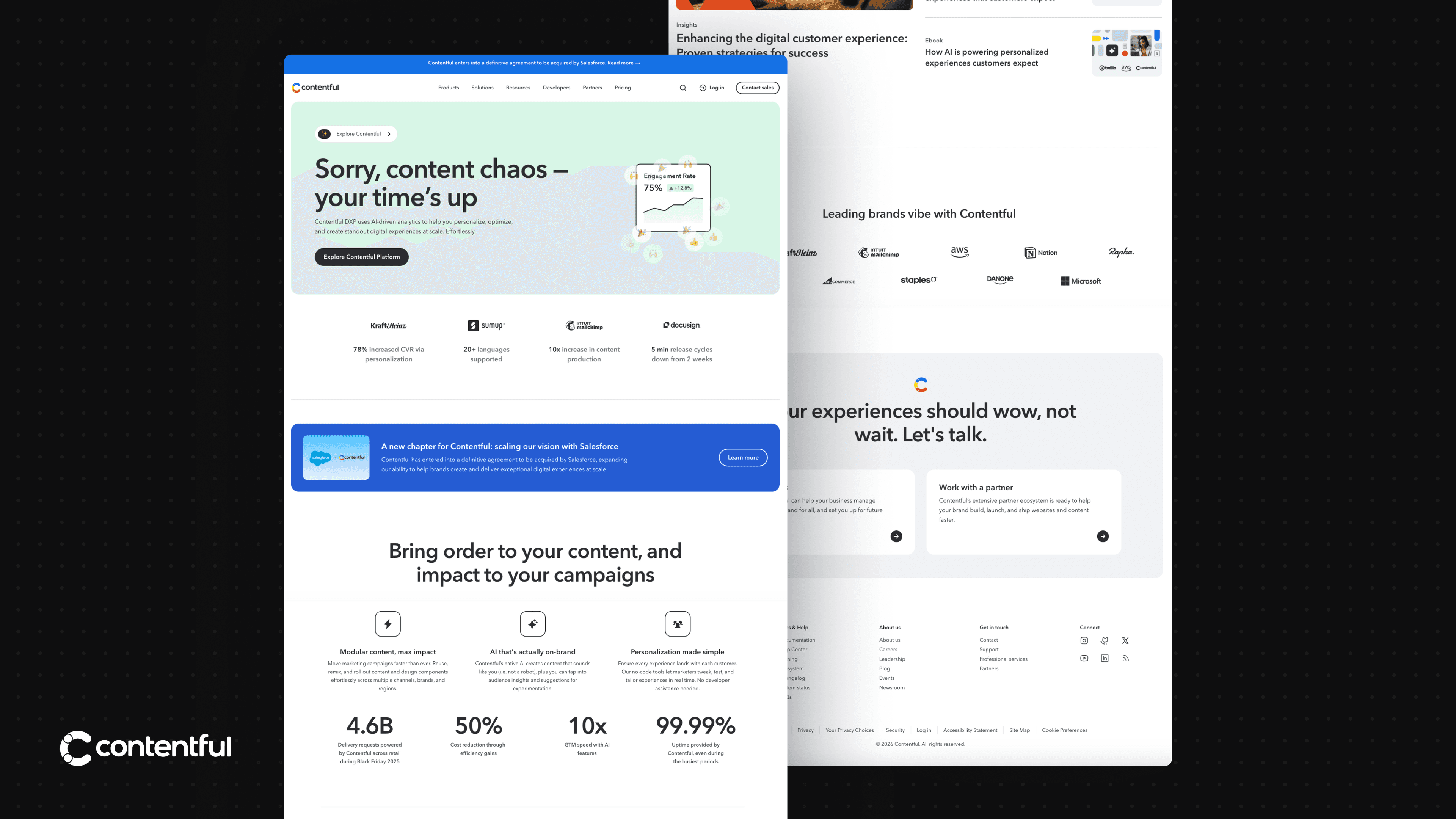
Contentful is one of the most established enterprise headless CMS platforms, built API-first to deliver content across many channels without locking teams into a single frontend framework.
Strengths:
- Mature enterprise platform: Powers content for some of the largest companies in the market with proven reliability.
- Strong editor experience: Offers intuitive page-building and preview that content teams adopt quickly.
- Composable content blocks: Makes implementing and customizing enterprise designs straightforward.
- Deep ecosystem: Provides a large library of integrations and app-framework extensions.
Best fit: Large organizations that want a proven, feature-rich headless platform with broad ecosystem support.
Tradeoffs:
- Usage overages: Bills for API calls, records and bandwidth above plan limits, which can raise total cost beyond the base fee.
- Complexity: Carries more configuration surface than smaller teams may need.
Webstacks has been a Contentful partner for over six years, and that depth of experience shows in implementations for high-growth companies that need structured content at scale. Its editor experience earns consistent praise from content teams, and for enterprises that want a proven, capable default, it sets the benchmark the rest of this list is measured against.
2. Sanity
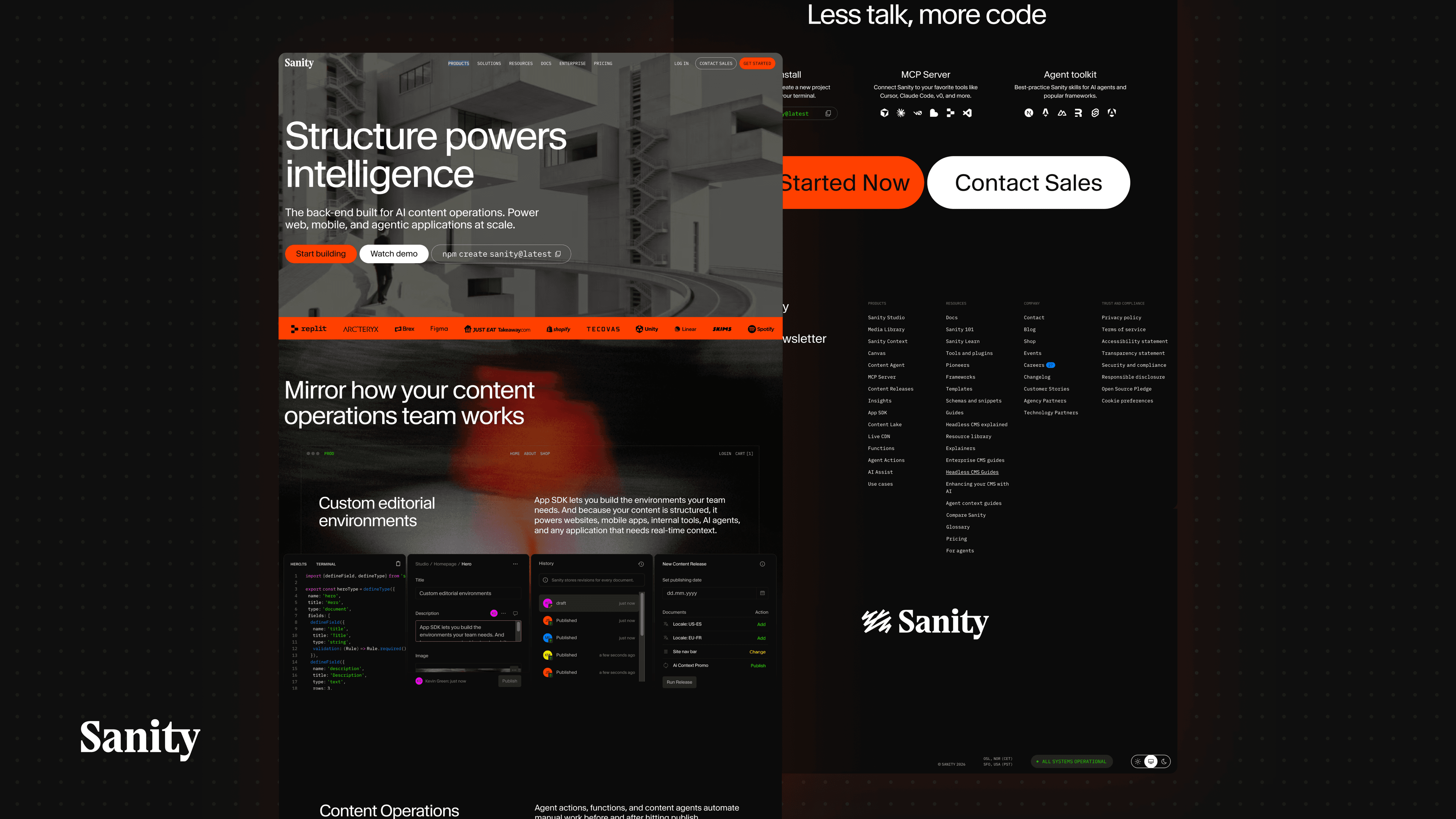
Sanity is a highly customizable real-time headless CMS built around structured content, with a code-first approach that gives developers extensive control over content models and workflows.
Strengths:
- Structured content core: Treats content as data, which makes reuse across channels reliable.
- Real-time collaboration: Lets multiple editors work simultaneously without version conflicts.
- Customizable Studio: Provides a React-based editing environment teams can shape to their exact content model.
Best fit: Teams that want to build a precise content model and editorial experience, with developer resources to shape it.
Tradeoffs:
- Frontend required: Needs frontend development capability to realize its flexibility.
- Usage mechanics: Bills API overages, where non-cached requests cost meaningfully more than CDN-cached ones.
- Add-on costs: Price enterprise security features like single sign-on as separate add-ons on the Growth tier.
Sanity’s flexibility is a developer favorite, and its real-time collaboration suits content teams that work in parallel. Gong chose Sanity for its ability to support a precise, custom content model at scale —a strong illustration of where Sanity performs best.
3. Strapi
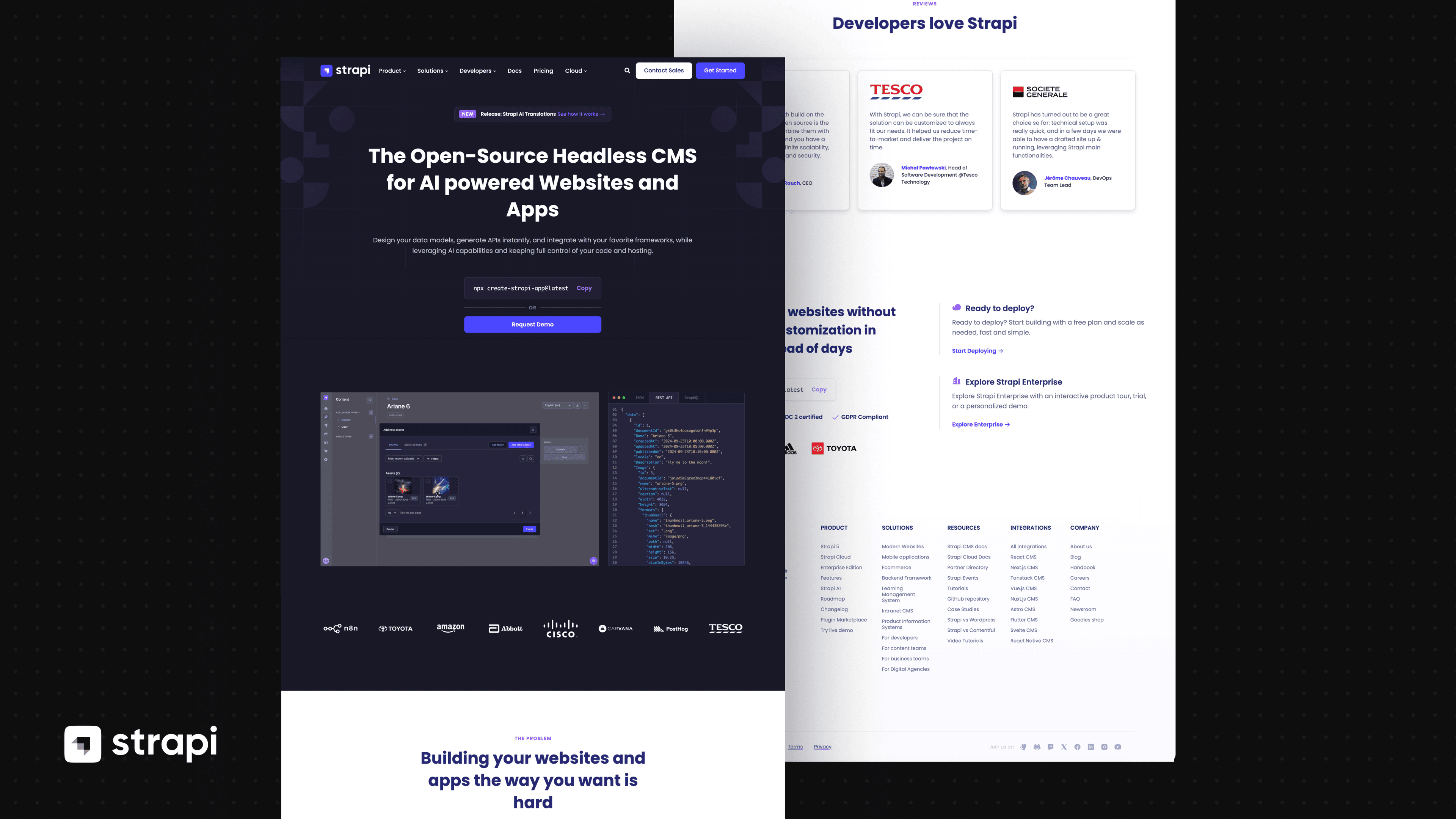
Strapi is a leading open-source headless CMS built on Node.js, giving developer-led teams full control over content infrastructure with the option to self-host or use managed Strapi Cloud hosting.
Strengths:
- Open-source core: Eliminates vendor lock-in and gives complete control over the codebase.
- Deployment freedom: Runs self-hosted for full data ownership or on Strapi Cloud for managed convenience.
- Dual API support: Offers both REST and GraphQL out of the box.
- Capable admin panel: Balances developer power with an editor interface that stays approachable.
Best fit: Developer-led organizations that want open-source control and complete platform ownership.
Tradeoffs:
- Operational overhead: Self-hosting requires DevOps resources for security patching and maintenance.
- Governance licensing: Prices enterprise features like single sign-on and review workflows as separate CMS licenses on top of hosting.
- Setup investment: Demands more initial configuration than fully managed platforms.
Strapi is free and open-source when self-hosted, with paid Strapi Cloud hosting tiers and separately licensed governance features for regulated teams. For organizations with development resources that value control and data ownership, it delivers strong value without the lock-in of proprietary platforms.
4. Storyblok
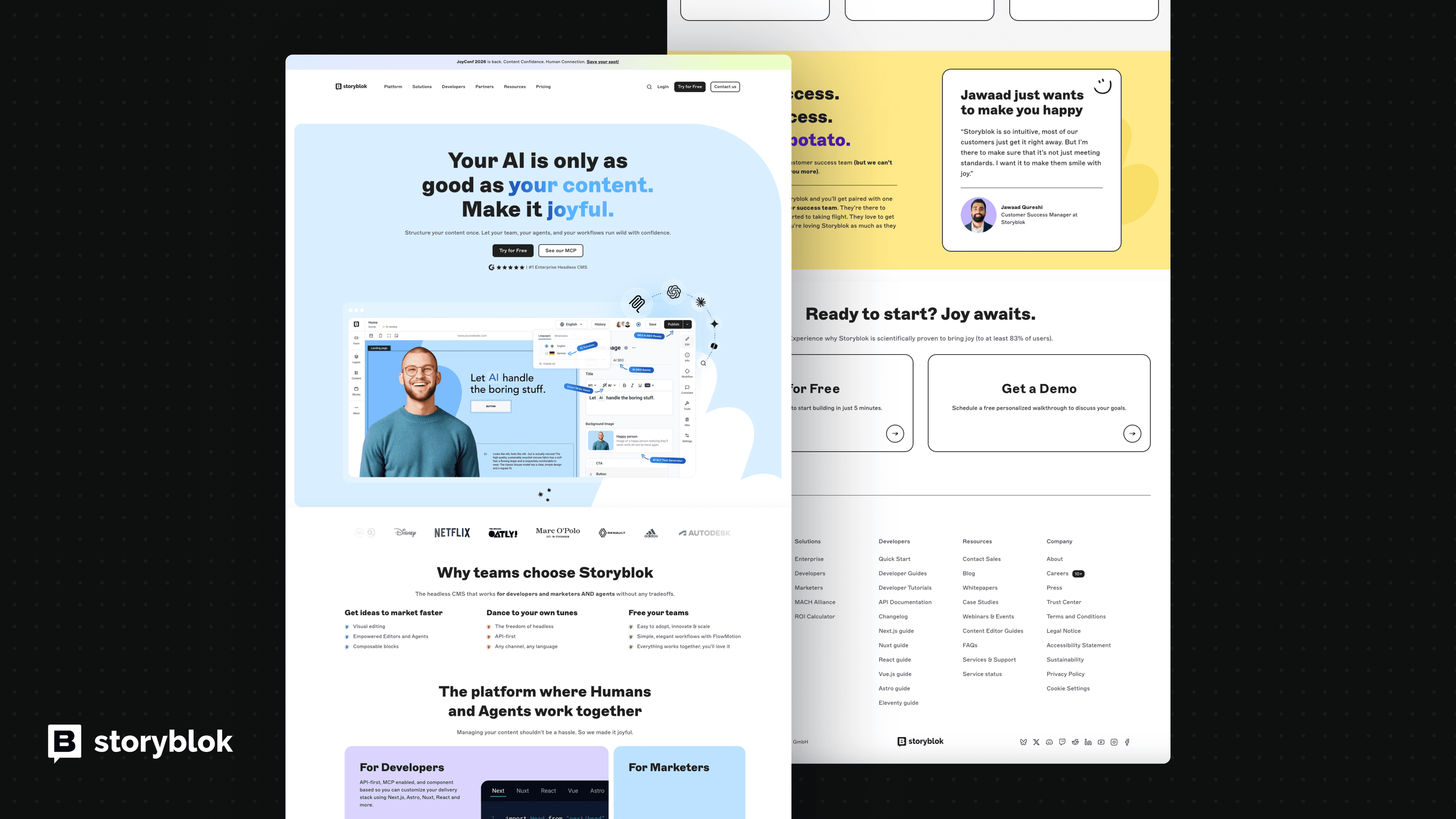
Storyblok pairs headless architecture with a real-time visual editor, giving content teams a live preview of changes while preserving the flexibility of a decoupled backend.
Strengths:
- Visual editing: Shows content changes as they happen, which lowers the learning curve for non-technical editors.
- Component-based blocks: Supports reusable content blocks that align with modular web design.
- Editor independence: Reduces the back-and-forth between developers and marketers.
- Headless flexibility: Keeps the backend decoupled for multi-channel delivery.
Best fit: Enterprises that want headless flexibility without sacrificing a visual editing experience for content teams.
Tradeoffs:
- Block configuration: Requires upfront component setup to get the visual editor working well.
- Ecosystem size: Carries a smaller integration library than the longest-established platforms.
Storyblok is becoming a top option for growing B2B teams for its blend of headless flexibility and visual editing. The visual editor is especially effective when introducing headless concepts to client team members less familiar with the technical side, letting content teams work more independently.
5. DatoCMS
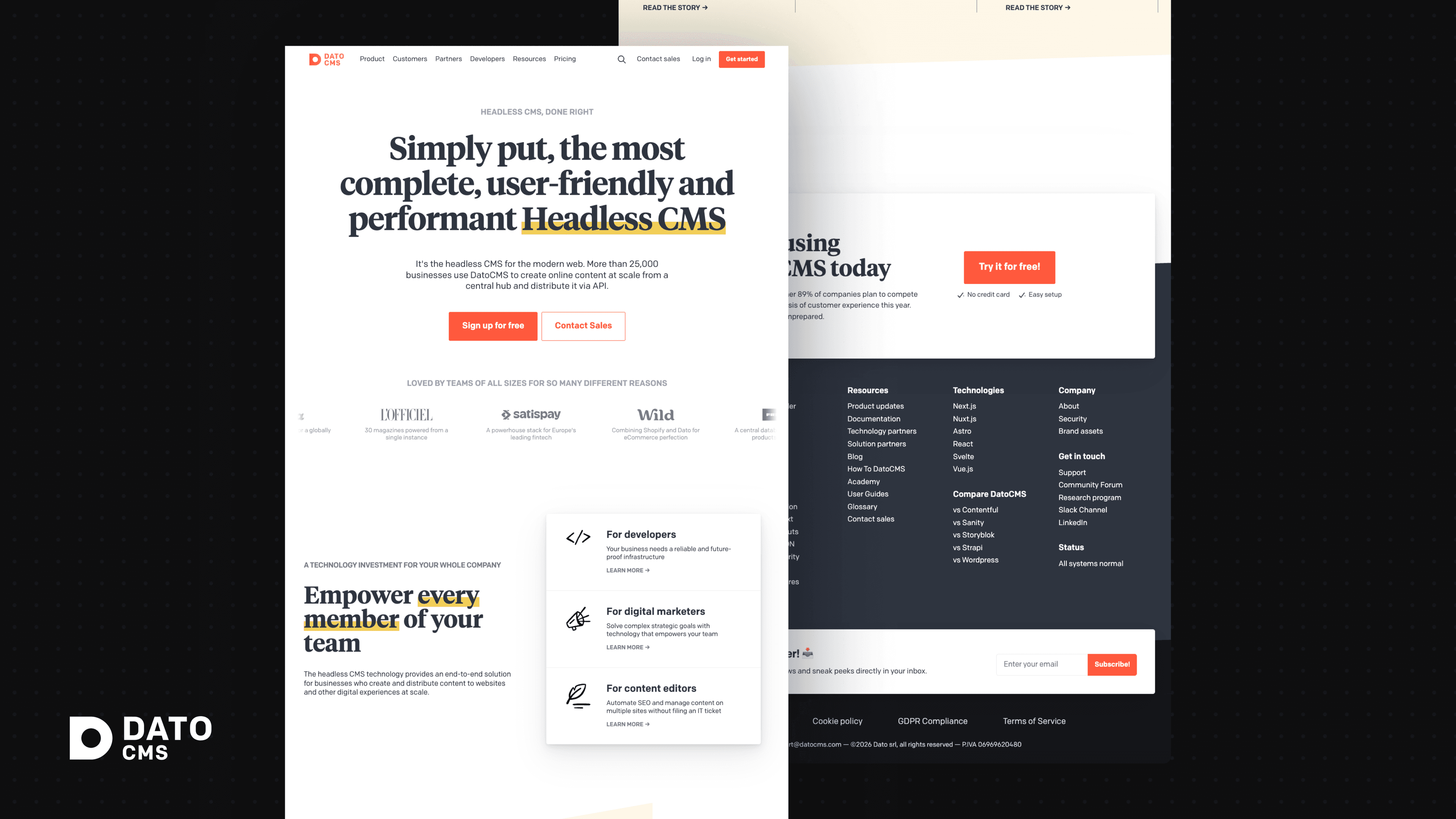
DatoCMS is a headless CMS focused on a clean editor experience with strong media handling, well-suited to content-heavy and multimedia projects.
Strengths:
- Media management: Handles image and video assets with particular strength.
- Worldwide CDN: Delivers content globally with low latency.
- Modular content blocks: Supports structured, reusable content components.
- GraphQL API: Enables flexible querying that suits agile development.
Best fit: Content-heavy and multimedia-rich enterprises that need strong asset management in a straightforward interface.
Tradeoffs:
- Scope: Targets content management rather than the broader experience-platform feature set.
- Ecosystem: Carries a smaller community than the largest platforms.
DatoCMS pairs a sleek interface with capable content management, especially for media. Webstacks often recommends it for clients who need a robust but straightforward platform for multimedia-heavy projects, and its technical SEO features are a further point in its favor.
6. Hygraph
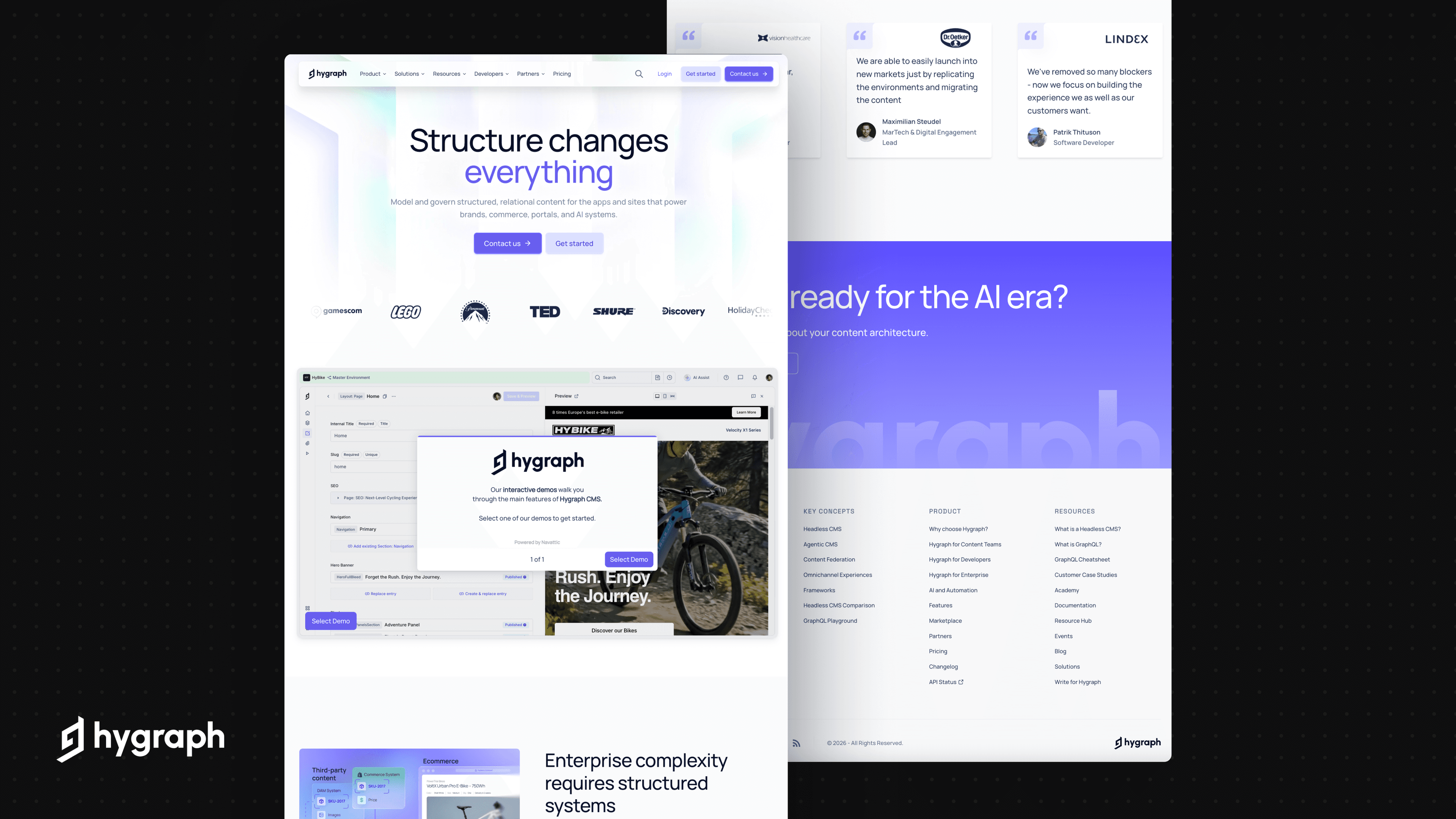
Hygraph is a GraphQL-native headless CMS built for content federation, letting enterprises pull data from multiple sources into one central hub.
Strengths:
- GraphQL-native: Builds the entire platform around GraphQL for flexible, precise queries.
- Content federation: Unifies data from disparate systems into a single content layer.
- API-first: Distributes content across platforms with developer-friendly tooling.
- Structured control: Maintains control over how federated content is modeled and displayed.
Best fit: Enterprises with complex, multi-source data needs that must unify content from many systems.
Tradeoffs:
- GraphQL dependency: Assumes team comfort with GraphQL to realize its strengths.
- Specialization: Optimizes for federation, which may exceed the needs of simpler content models.
Hygraph's GraphQL-first architecture offers strong flexibility for developers working with complex data structures. Webstacks finds it most useful for clients integrating multiple data sources into a single content workflow.
7. Prismic
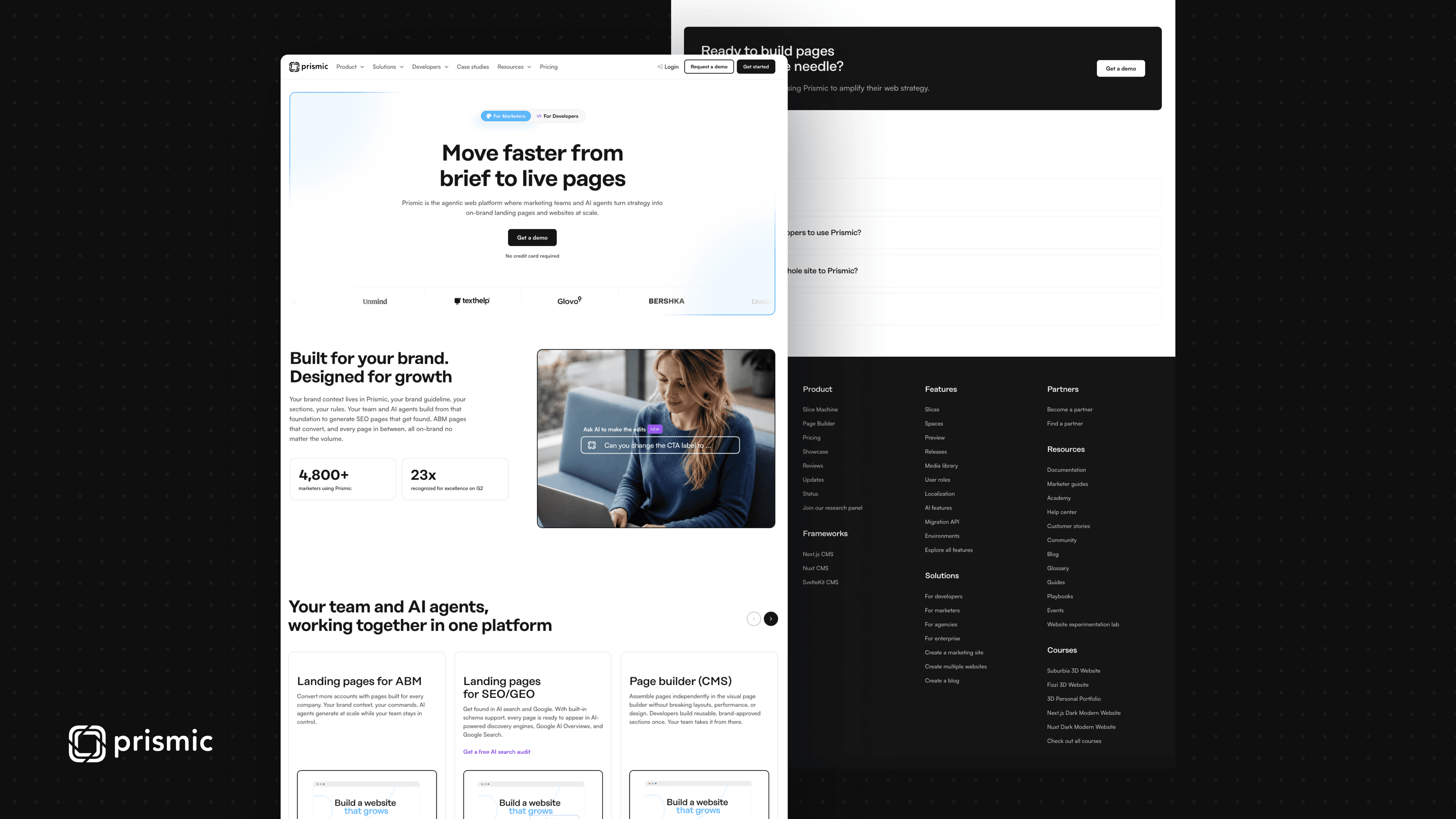
Prismic is a headless CMS known for a user-friendly editor and Slice Machine, a component-based system for building reusable, on-brand content sections.
Strengths:
- Slice Machine: Builds reusable content sections that hold design consistency.
- Editor usability: Offers an interface that developers and marketers can collaborate in easily.
- Framework integration: Connects cleanly with Next.js and Nuxt.js.
- Multi-language support: Serves global audiences with strong localization.
Best fit: Marketing-driven enterprises with global audiences that want reusable, design-consistent content sections.
Tradeoffs:
- Feature scope: Focuses on content and presentation more than broad experience-platform capabilities.
- Slice setup: Requires initial component modeling to get the most from Slice Machine.
Prismic's Slice Machine stands out for teams that need content-creation flexibility alongside consistent design. Its clean framework integration and multi-language support make it a strong fit for dynamic, marketing-driven websites with global reach.
8. Builder.io
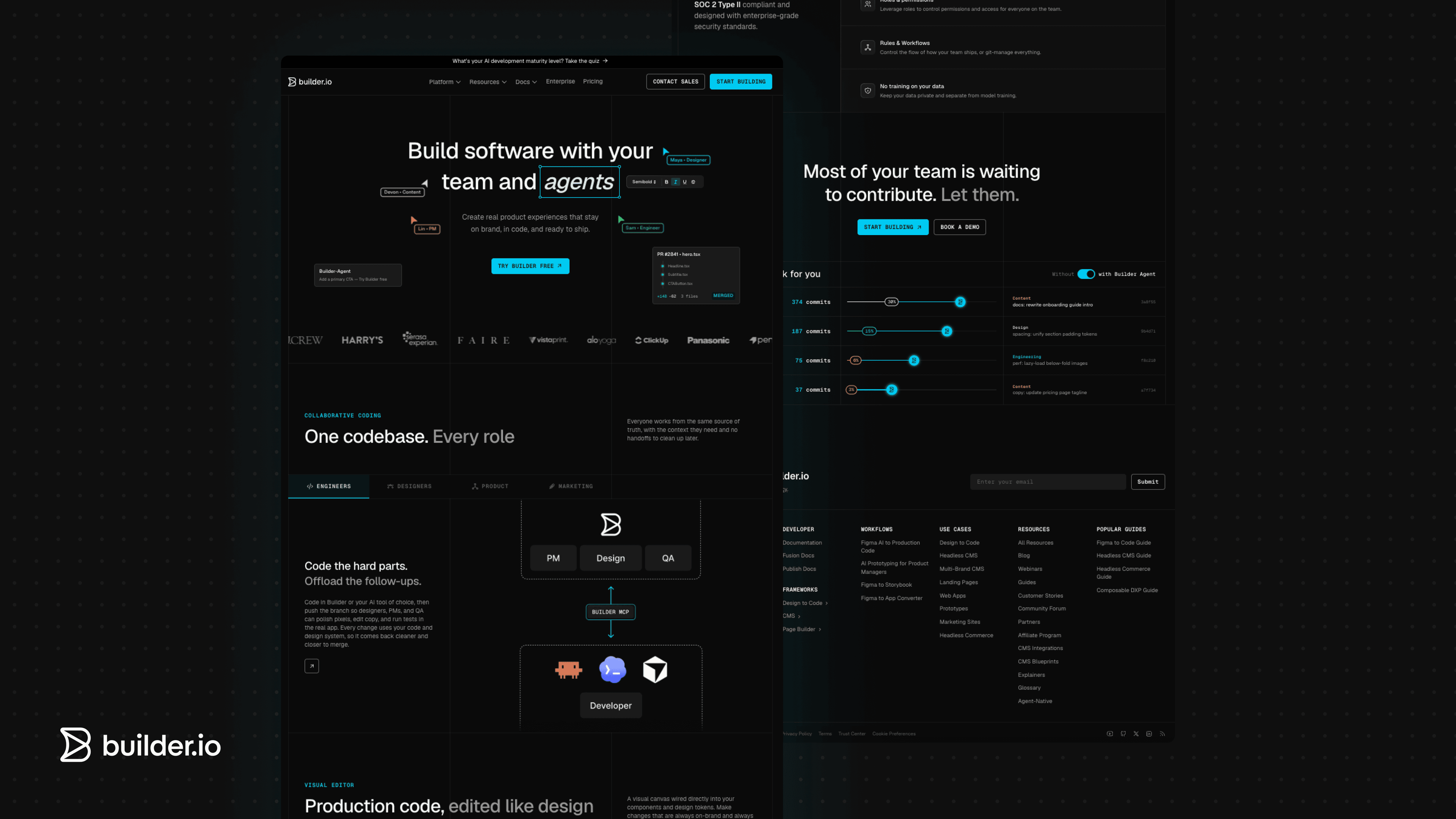
Builder.io is a visual headless CMS built for drag-and-drop content creation, designed to let marketers build and edit pages without writing code.
Strengths:
- Visual-first design: Built for visual editing from the start rather than retrofitted onto a headless backend.
- Drag-and-drop building: Let's content editors assemble pages from components instantly.
- Framework integration: Connects with common e-commerce platforms and web frameworks.
- Speed to market: Shortens the path from idea to published campaign page.
Best fit: B2B and SaaS marketing teams that want maximum editor autonomy and fast campaign-page production.
Tradeoffs:
- Visual-model tradeoffs: Prioritizes visual flexibility, which requires governance to keep pages consistent.
- Structured-content depth: Emphasizes visual composition over deep structured-content modeling.
Builder.io was purpose-built for visual editing while most headless options added that capability later, and dragging components to build pages is a content editor’s ideal workflow. It fits B2B and SaaS marketing teams that want editor autonomy and fast campaign-page production.
9. HubSpot CMS
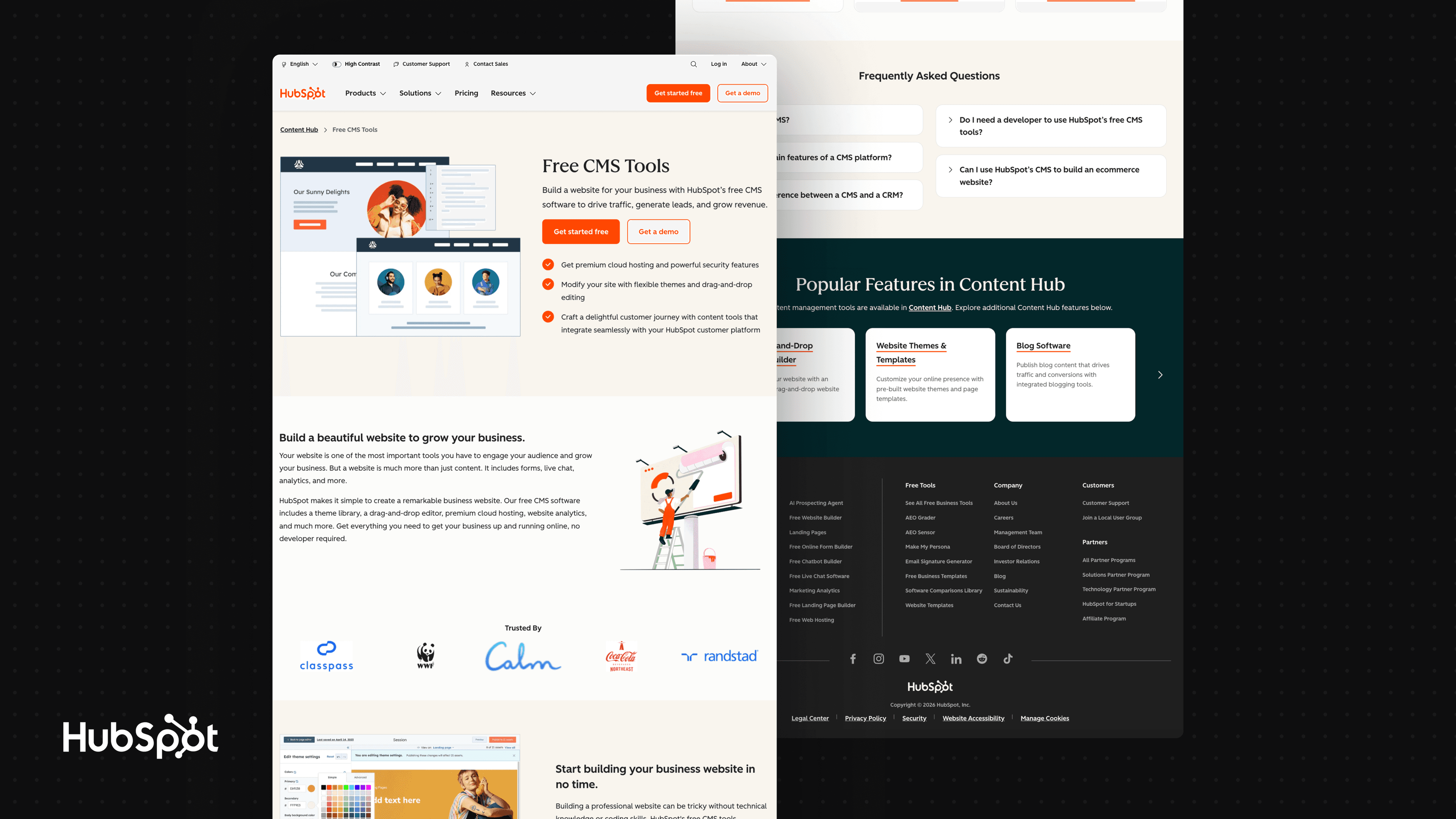
HubSpot CMS integrates content management with HubSpot's marketing, sales and service tools, offering an all-in-one approach for marketing-led organizations.
Strengths:
- CRM integration: Connects content directly to HubSpot's customer data for personalization.
- Built-in marketing tools: Bundles SEO recommendations, forms and analytics.
- Editor friendliness: Offers a drag-and-drop builder accessible to non-technical teams.
- All-in-one platform: Manages content alongside lead generation and nurture in one system.
Best fit: Marketing-focused organizations already invested in the HubSpot ecosystem that do not need multi-channel delivery.
Tradeoffs:
- Not headless: Limits frontend flexibility and multi-channel content delivery.
- Ecosystem dependency: Delivers the most value only to teams already on HubSpot.
- Content scale: May strain for enterprises with very large or complex content needs.
For enterprises already on HubSpot, the CMS is a natural fit, with a friendly interface and CRM integration that supports personalized content journeys. It is a Webstacks go-to recommendation for clients invested in HubSpot that do not need multi-channel delivery, though teams with complex digital experiences should weigh headless alternatives. Circle, for one, grew product demos by 500% on a HubSpot website built with Webstacks.
10. Adobe Experience Manager
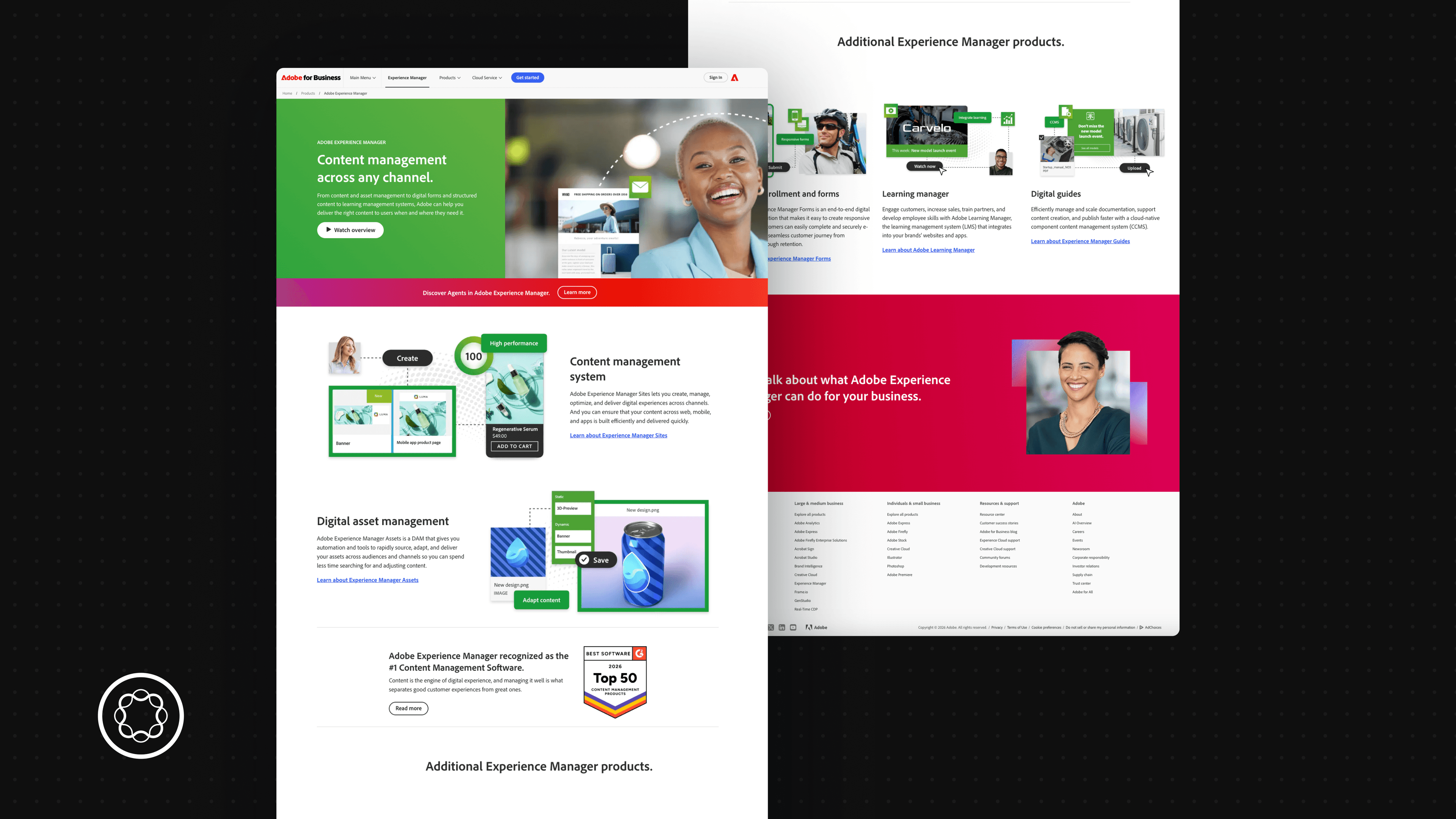
Adobe Experience Manager (AEM) is an enterprise CMS that combines digital asset management with content management, built for large organizations delivering personalized experiences at scale.
Strengths:
- Digital asset management: Manages large asset libraries inside the content platform.
- Personalization at scale: Applies Adobe's AI and machine learning to tailor experiences.
- Adobe ecosystem: Integrates tightly with the broader Adobe product suite.
- Enterprise workflows: Supports complex approval and governance processes.
Best fit: Large enterprises that have already invested in Adobe products need asset management and personalization at scale.
Tradeoffs:
- Learning curve: Requires committed investment to use its full capability.
- Not fully headless: Lacks some of the frontend flexibility and multi-channel ease of pure headless platforms.
- Complexity: Carries enterprise-grade implementation requirements.
AEM offers a solid feature set for content and digital asset management, and it integrates well for organizations already on Adobe products. It carries a distinct learning curve and is not a true headless platform, so it fits best where Adobe investment and scale justify the commitment.
11. Contentstack
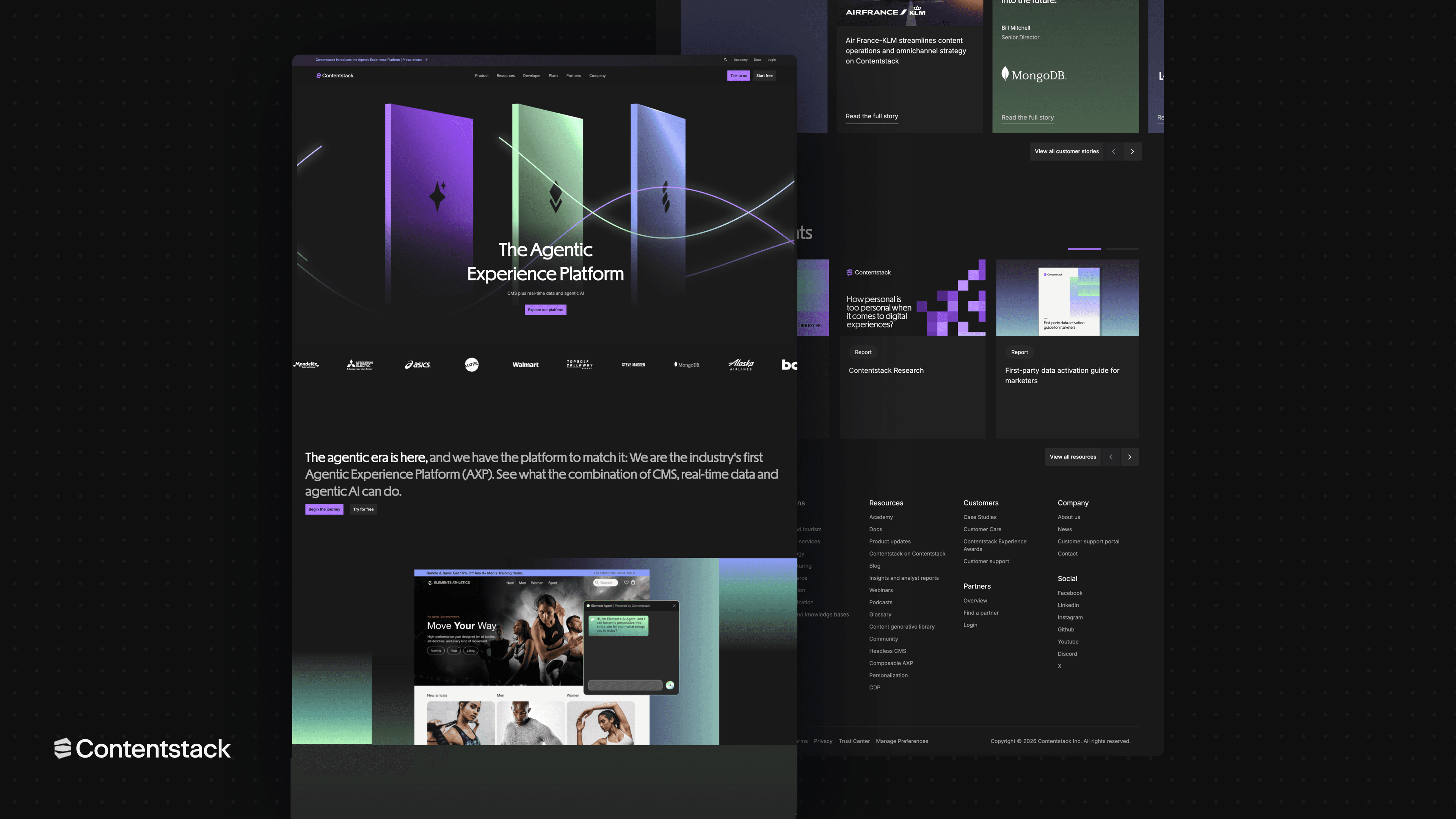
Contentstack is an established enterprise headless CMS focused on composability, speed and an API-first architecture for multi-channel content management.
Strengths:
- API-first composability: Supports flexible, composable architectures developers favor.
- Microservices design: Builds on a modern, modular backend.
- Workflow automation: Manages content operations across complex teams.
- Rapid delivery: Enables fast deployment of content across channels.
Best fit: Enterprises that want a composable, API-first platform and have the team to use its full capability.
Tradeoffs:
- Feature density: Can feel heavy for smaller teams or simpler projects.
- Editor experience: May feel less intuitive than some alternative headless platforms.
Contentstack is agile and scalable, a developer favorite for its API-first approach and stack flexibility. It is feature-rich enough to feel like more than smaller teams need, and its content editor experience may not match the most intuitive headless options.
12. WordPress VIP
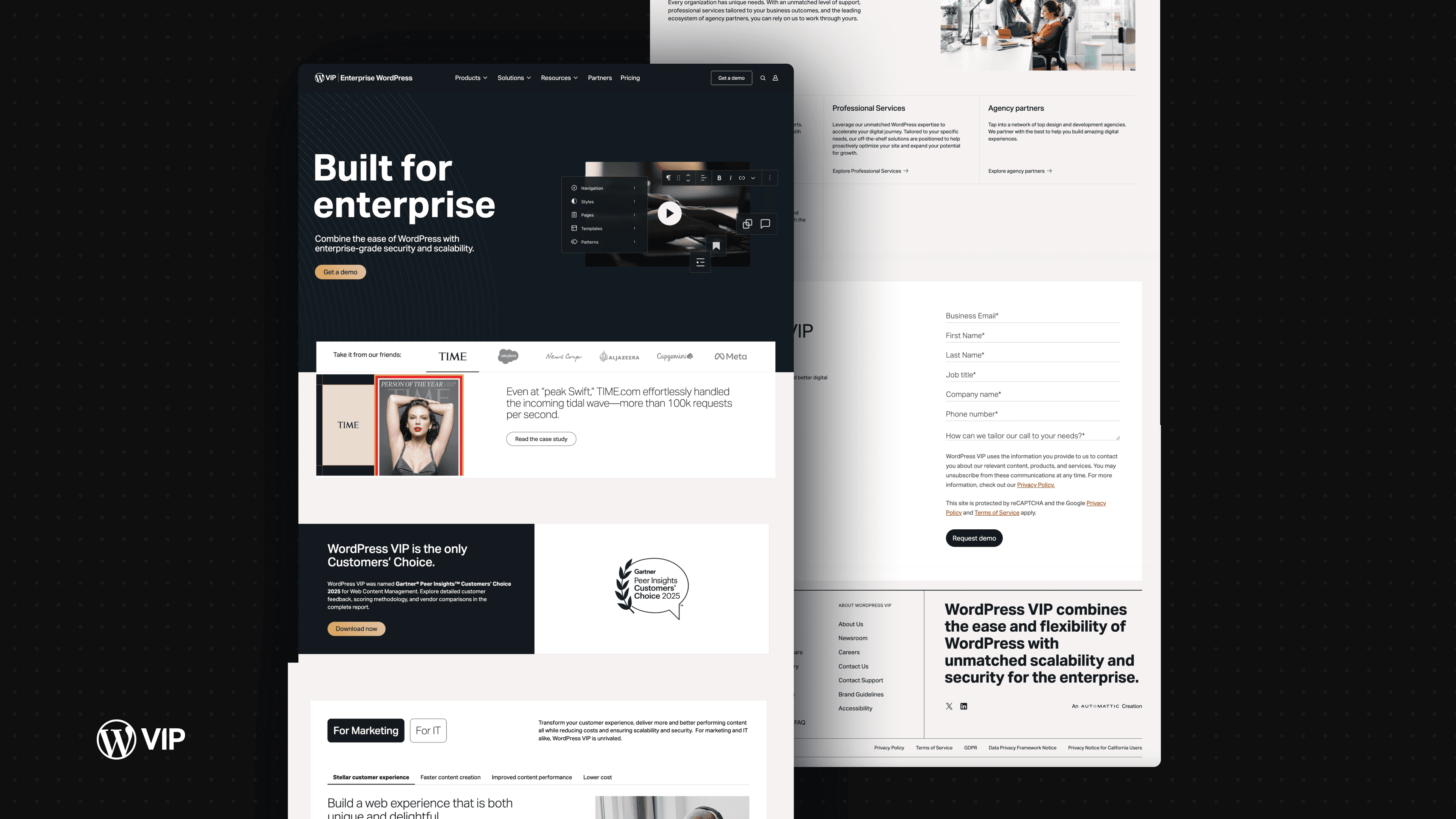
WordPress VIP brings the familiarity of WordPress, which powers roughly 43% of all websites, to enterprise scale with the security and performance large organizations require.
Strengths:
- Familiar foundation: Builds on WordPress, which most content teams already know.
- Enterprise hardening: Adds the security and scalability that the largest properties require.
- Content velocity: Supports rapid authoring for content-heavy operations.
- Composable option: Offers an API mesh for composable experiences without going fully headless.
Best fit: Large media, regulated and content-heavy organizations that want WordPress familiarity at enterprise scale.
Tradeoffs:
- Hybrid architecture: Operates as a hybrid rather than a pure headless platform.
- Plugin governance: Requires discipline to manage the plugin surface that WordPress invites.
WordPress VIP shows that a headless CMS is not the only route to a future-proof, composable website. With its API mesh and platform enhancements, organizations can build differentiated experiences at enterprise scale on a foundation their teams already understand.
13. Magnolia
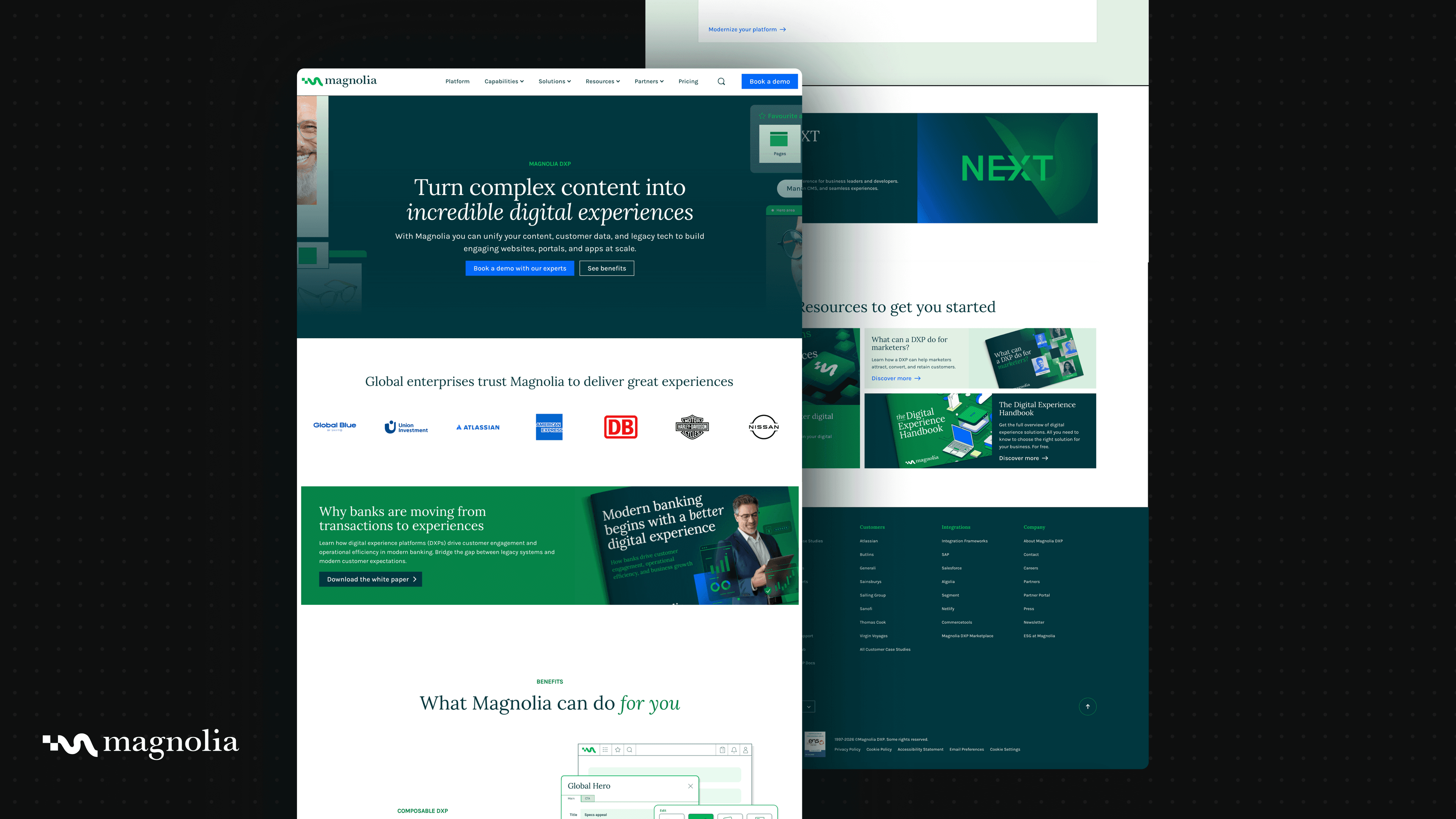
Magnolia is a hybrid enterprise CMS built around integration, positioning itself as a central hub that connects digital marketing tools and data sources.
Strengths:
- Integration focus: Connects a wide range of marketing tools and data sources.
- Light development: Supports rapid deployment without deep technical work for some tasks.
- Personalization: Delivers tailored experiences across channels.
- Multi-site management: Handles many sites from one platform.
Best fit: Enterprises in sectors like financial services that need a central integration hub across many tools and sites.
Tradeoffs:
- Interface: Offers a less intuitive experience than some competing platforms.
- Configuration complexity: Pairs extensive customization with management overhead.
- Technical involvement: Requires more technical commitment than some teams want to dedicate.
Magnolia's integration strength makes it flexible for enterprises connecting many tools and data sources. Its interface is less intuitive than some platforms, and its customization depth can add configuration complexity, so it fits teams with the technical resources to manage it.
How to Build an Enterprise Content Management Strategy
Choosing a platform is one decision within a larger one. An enterprise content management strategy defines how content is captured, stored, governed and retrieved across its full lifecycle, and the CMS is the system that executes that strategy. Picking a platform without a strategy behind it is how organizations end up with capable tools and incoherent content.
A strategy starts with an honest assessment of current practice. Map how content is created, where it lives, how people find it and where the process breaks down. That assessment sets the goals the CMS has to serve, whether that is faster publishing, better governance, multi-channel delivery or regulatory compliance.
From there, an effective strategy rests on a few components working together:
- Content capture and creation: Bring content in from its sources and turn unstructured input into structured, manageable assets.
- Storage and organization: Apply metadata and classification so content stays retrievable and compliant as volume grows.
- Access and retrieval: Make content findable through search, filtering and clear structure.
- Workflow and automation: Move content through approval and publishing with less manual effort and fewer errors.
- Governance and consistency: Set the data governance policies, a centralized source of truth and the illustration system or style guide that keep content on-brand across teams.
Consistency is where strategy pays off most visibly. A centralized content model, clear governance and reusable components keep a growing site coherent instead of fragmented. The platforms above each support this work differently, which is why strategy should precede platform selection rather than follow it.
For a focused comparison of headless-only options, see the Webstacks guide to the best headless CMS platforms for B2B teams.
Enterprise CMS in Practice: ServiceTitan
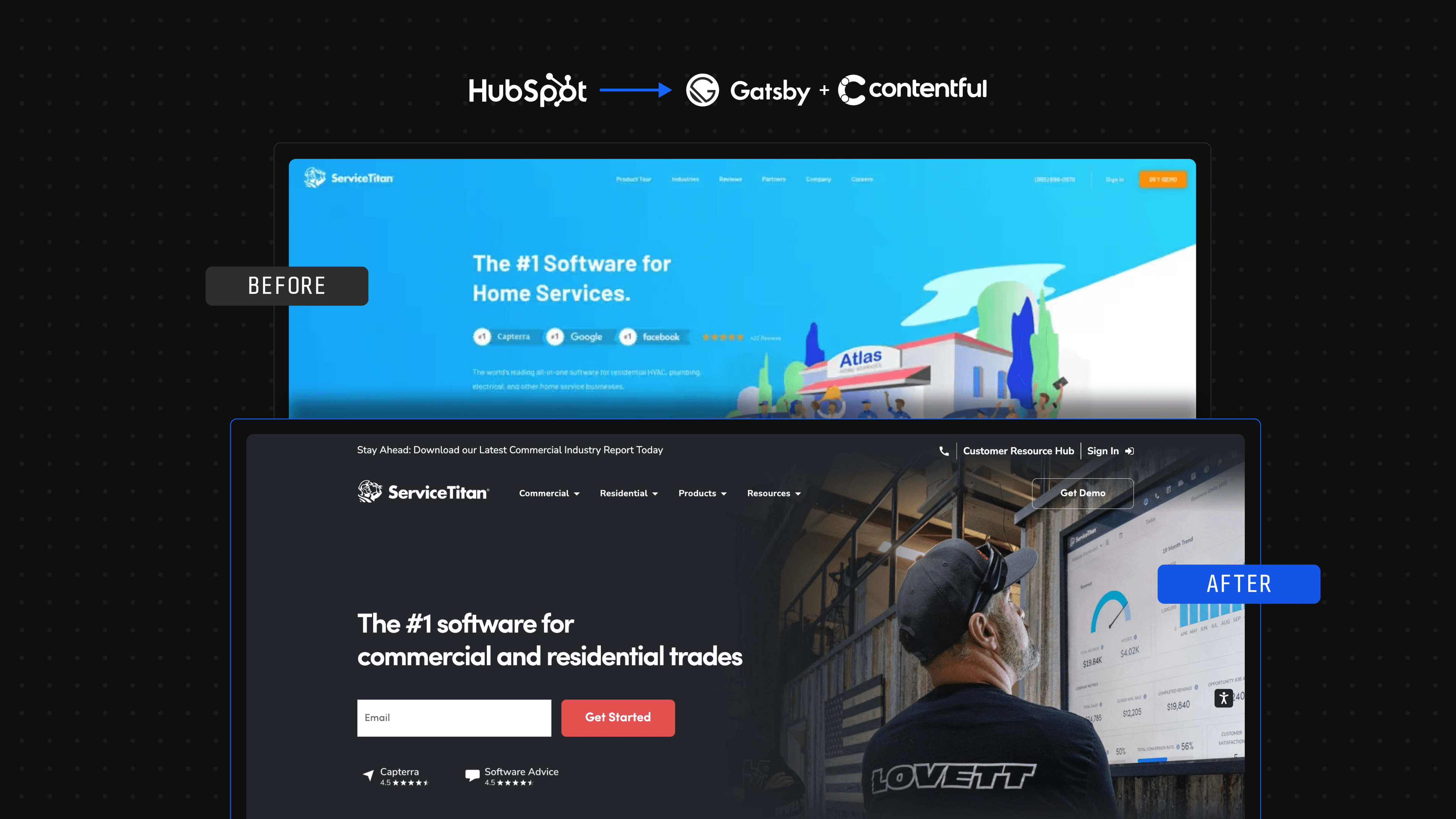
The clearest case for matching a platform to a strategy is what happens when a growing company outgrows the wrong one. ServiceTitan, the leading software platform for the home and commercial services industry, shows the full arc.
Context: ServiceTitan was managing its marketing site on HubSpot CMS as its content ambitions grew. The site had become slow and inconsistent after work from multiple contractors, and the team was outgrowing the limits of its existing setup.
Stack: Webstacks and ServiceTitan migrated the site to a headless stack pairing Gatsby, a React-based frontend, with Contentful as the headless CMS. The project shipped in under 100 days.
Outcome: A modular page architecture allows ServiceTitan's marketers to create, edit and reorder pages in Contentful without a developer. Contentful's entity model made governance straightforward, updating a single asset propagated changes across the entire site.
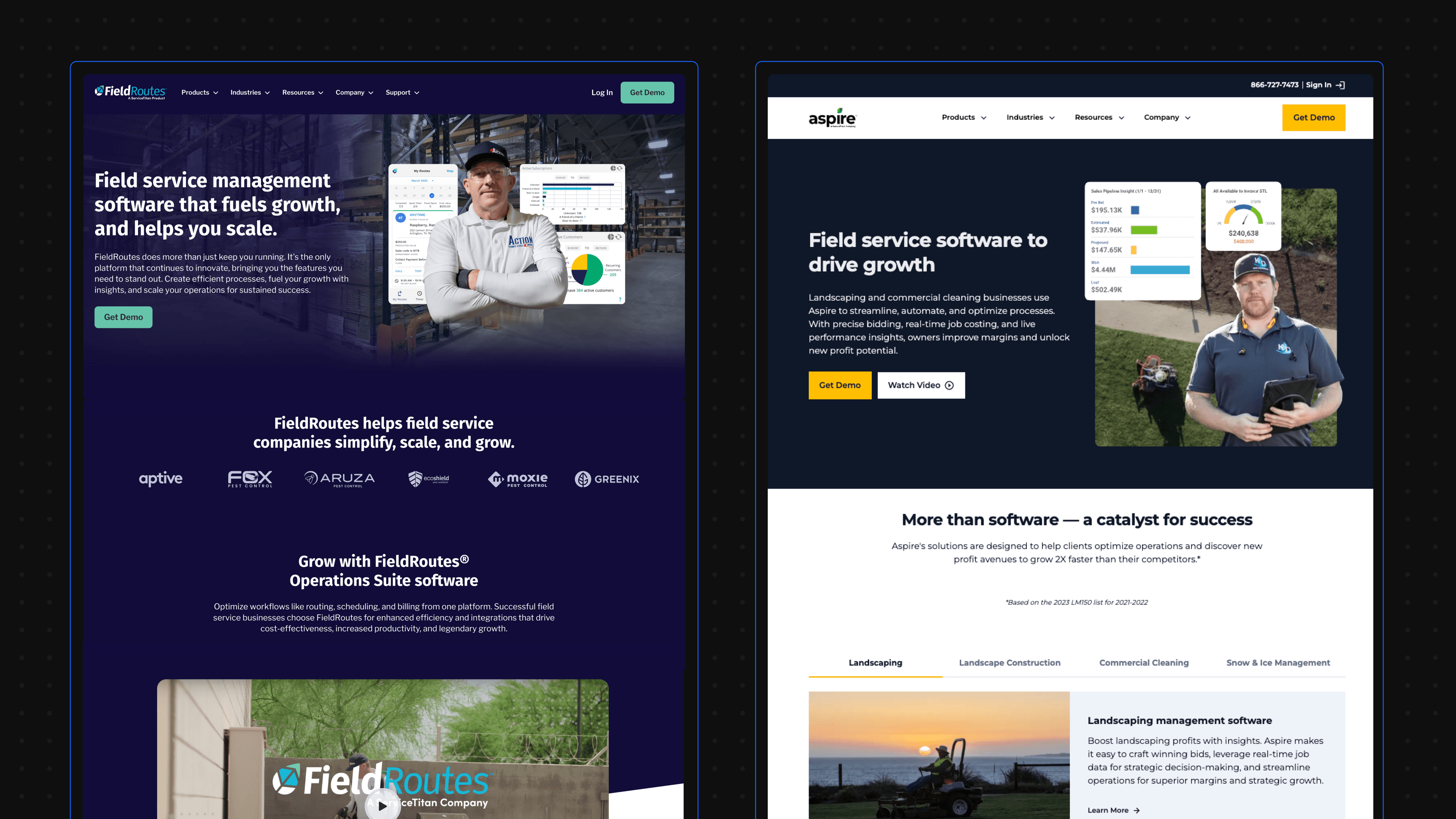
The approach worked well enough that ServiceTitan applied the same blueprint to two acquired subsidiaries, Aspire and FieldRoutes, migrating both to Contentful.
The Contentful platform matched the strategy: a content-heavy SaaS company that needed marketers to ship independently chose a structured headless platform with strong governance and editor autonomy. The fit is what produced the result.
Enterprise CMS Resources
The platforms in this guide connect to deeper Webstacks coverage on architecture, migration and platform-specific implementation. The resources below go further on the decisions this guide introduces:
- Best headless CMS platforms: A focused comparison of headless-only options for B2B teams.
- Headless CMS explained: What headless architecture is and when it fits.
- Enterprise website migration: How to plan and run a migration to a modern stack.
- Modular web design: The component approach behind scalable content production.
- Enterprise technical SEO: How platform choice affects search performance at scale.
- Headless CMS content editor experience: A comparison of editor workflows across platforms.
Enterprise CMS Comparison: Which Platform Fits
No single platform leads for every organization. The right choice depends on which decision priority matters most, then matching that priority to the platforms built for it. The table below maps the most common enterprise priorities to their best-fit options and the reason behind each.
| Decision Priority | Best-fit Platforms | Why |
|---|---|---|
| Proven, full-featured headless default | Contentful, Contentstack | Mature platforms with deep ecosystems and broad enterprise adoption. |
| Custom content model with developer control | Sanity, Strapi | Code-first, structured-content platforms that bend to your exact model. |
| Open-source control and data ownership | Strapi | Self-hostable and open-source, with no proprietary lock-in. |
| Visual editing for content-team autonomy | Storyblok, Builder.io, Prismic | Visual or component-based editing that lets marketers publish without developers. |
| Media and asset-heavy content | DatoCMS, Adobe Experience Manager | Strong digital asset management for multimedia-rich operations. |
| Unifying many data sources | Hygraph, Magnolia | Federation and integration-first architectures that centralize disparate systems. |
| All-in-one marketing and CRM | HubSpot CMS | Native integration with marketing, sales and CRM in one platform. |
| WordPress familiarity at enterprise scale | WordPress VIP | Enterprise hardening on a foundation most content teams already know. |
| Global, multi-language marketing sites | Prismic, Contentful | Strong localization and reusable, design-consistent content sections. |
Use the table as a starting shortlist, not a final answer. Once two or three platforms fit your top priority, run demos with your actual content model and the people who will use the system daily, your developers and your content editors.
Frequently Asked Questions
What is the difference between an enterprise CMS and a standard CMS?
An enterprise CMS is built for the scale, security and complexity that large organizations require. It supports many sites, many contributors, multiple languages and deep integration with business systems like CRM and ERP. A standard CMS targets single websites and small teams, and tends to strain when content volume, traffic or contributor count grows.
What is the difference between a headless CMS and a traditional CMS?
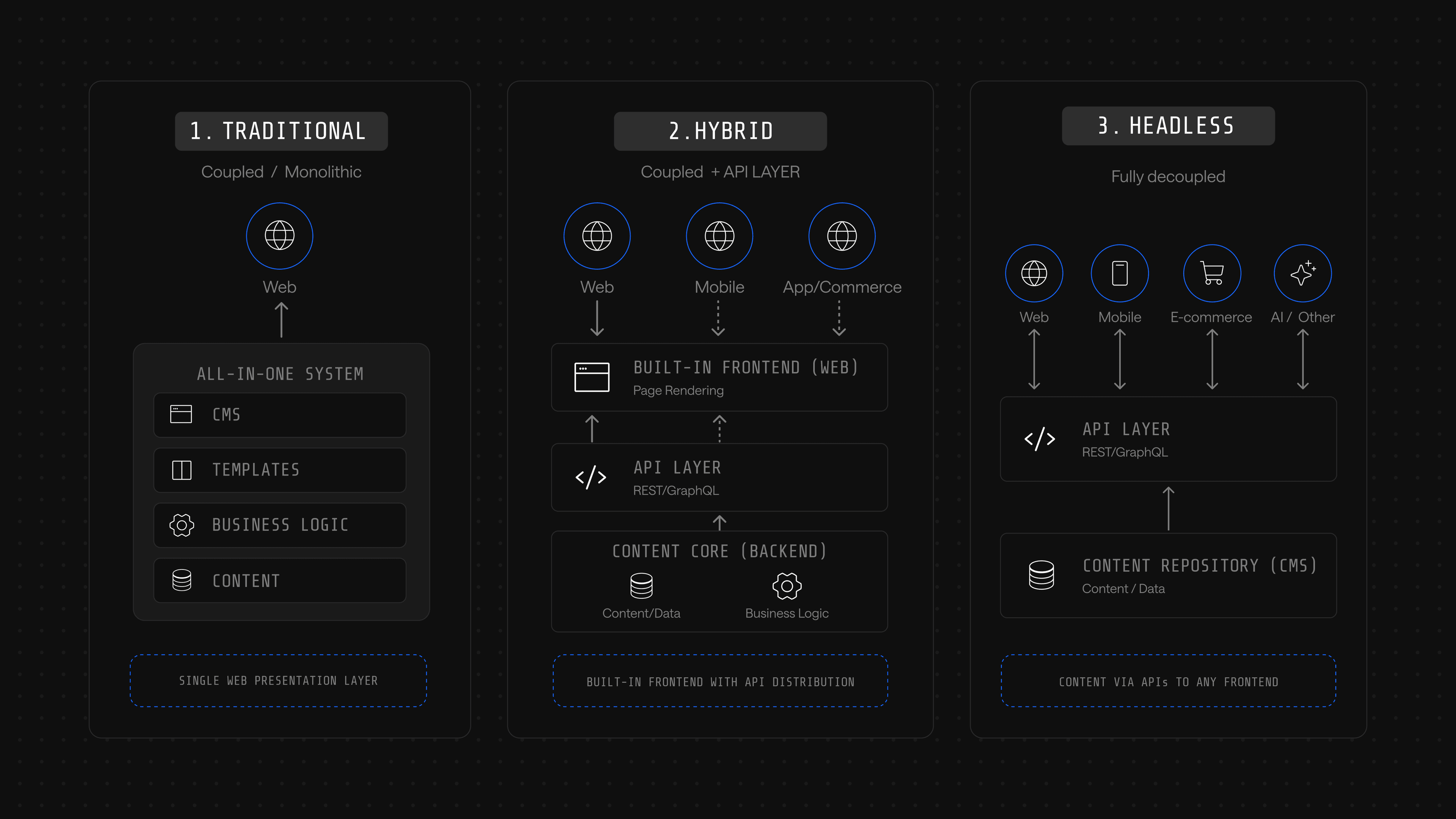
A headless CMS separates content management from content presentation, delivering content through APIs to any frontend, website, app or device. A traditional CMS couples content and presentation in one system. Headless platforms offer more flexibility and multi-channel delivery; traditional and hybrid platforms offer a more integrated editing-to-publishing experience. Several platforms in this guide, including WordPress VIP and HubSpot CMS, are hybrid rather than fully headless.
Which enterprise CMS is best for B2B SaaS marketing teams?
B2B SaaS marketing teams usually prioritize editor autonomy and fast campaign-page production. Visual and component-based platforms like Builder.io, Storyblok and Prismic fit that need well, as does Contentful for teams that want a proven structured-content default. The right choice depends on whether developer control or editor independence matters more for your team.
Should an enterprise choose a composable or all-in-one CMS?
Composable platforms suit organizations that need flexibility, multi-channel delivery and the ability to swap components as needs change. All-in-one platforms like HubSpot CMS suit teams that value integration and simplicity over flexibility, especially when already invested in that vendor's ecosystem. The decision comes down to how much the organization values flexibility against operational simplicity.
Choosing the Right Enterprise CMS
The best enterprise CMS is the one that fits how your organization builds, governs and ships content.
The 13 platforms in this guide each win for a specific buyer: Contentful and Sanity as structured headless defaults, Builder.io and Storyblok for editor autonomy, AEM and DatoCMS for asset-heavy work, WordPress VIP for scale on a familiar foundation.
The decision matrix narrows the field, but the final call rests on demos run with your real content model and the teams who will live in the system.
Platform choice is also only as good as the strategy behind it. As the ServiceTitan migration shows, the result came from matching a structured headless platform to a content-heavy SaaS company that needed marketers to publish independently. The fit produced the outcome, not the platform name.
Webstacks helps high-growth and enterprise companies choose, implement and build on the right CMS, with implementations across Contentful, Sanity, Storyblok, DatoCMS, HubSpot, Builder.io and more. Before starting a migration, the Webstacks headless CMS implementation checklist covers what to confirm first.
Ready to treat your website like a growth product? Talk to Webstacks.

Your website is your biggest growth lever—are you getting the most out of it? Schedule a strategy call with Webstacks to uncover conversion roadblocks, explore high-impact improvements, and see how our team can help you accelerate growth.


